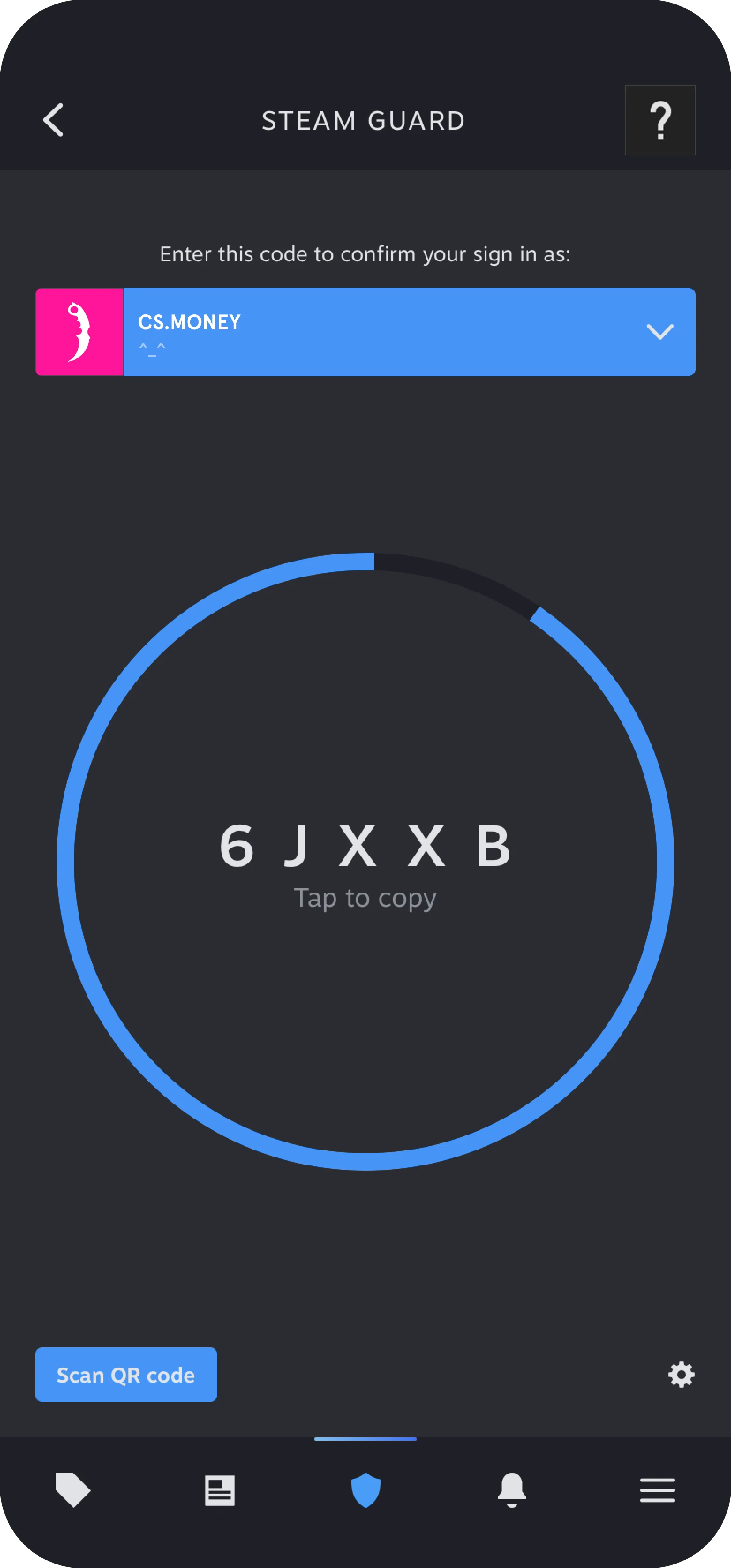
How to activate Steam Guard mobile authenticator?
Actions for setting iOS and Android apps are practically the same:
- First, you need to install the Steam app and log to your account. You can download the app from the following link

- To open Steam Guard menu, click on the shield at the center in down menu. Click on the Add authenticator;

- Select the international call prefix for your country and enter your phone number;

- Steam will send you a confirmation email you have set before. Open your mail and confirm the action;

- Shortly after that, Steam will send you text message with the confirmation code;

- Enter the code to confirm that you can get messages from Steam. If you didn’t get the code click on the “Send the code again”;

- When the code is successfully entered, you will see the Recovery code. Write down the code and keep it in a safe place. Don’t skip this step;

- When the mobile authenticator is successfully enabled, you’ll see unique Steam Guard code which updates periodically. When you log in to Steam you’ll be asked to enter the code.