Monitor — an important device for playing Counter-Strike 2, because you need to see exactly where you’re shooting. Today, the CS.MONEY Blog will tell you everything you need to know about gaming monitors and show the best models for CS2.
Buy skins at low prices on CS.MONEY, get the most out of Counter-Strike!

What to look for when buying a monitor
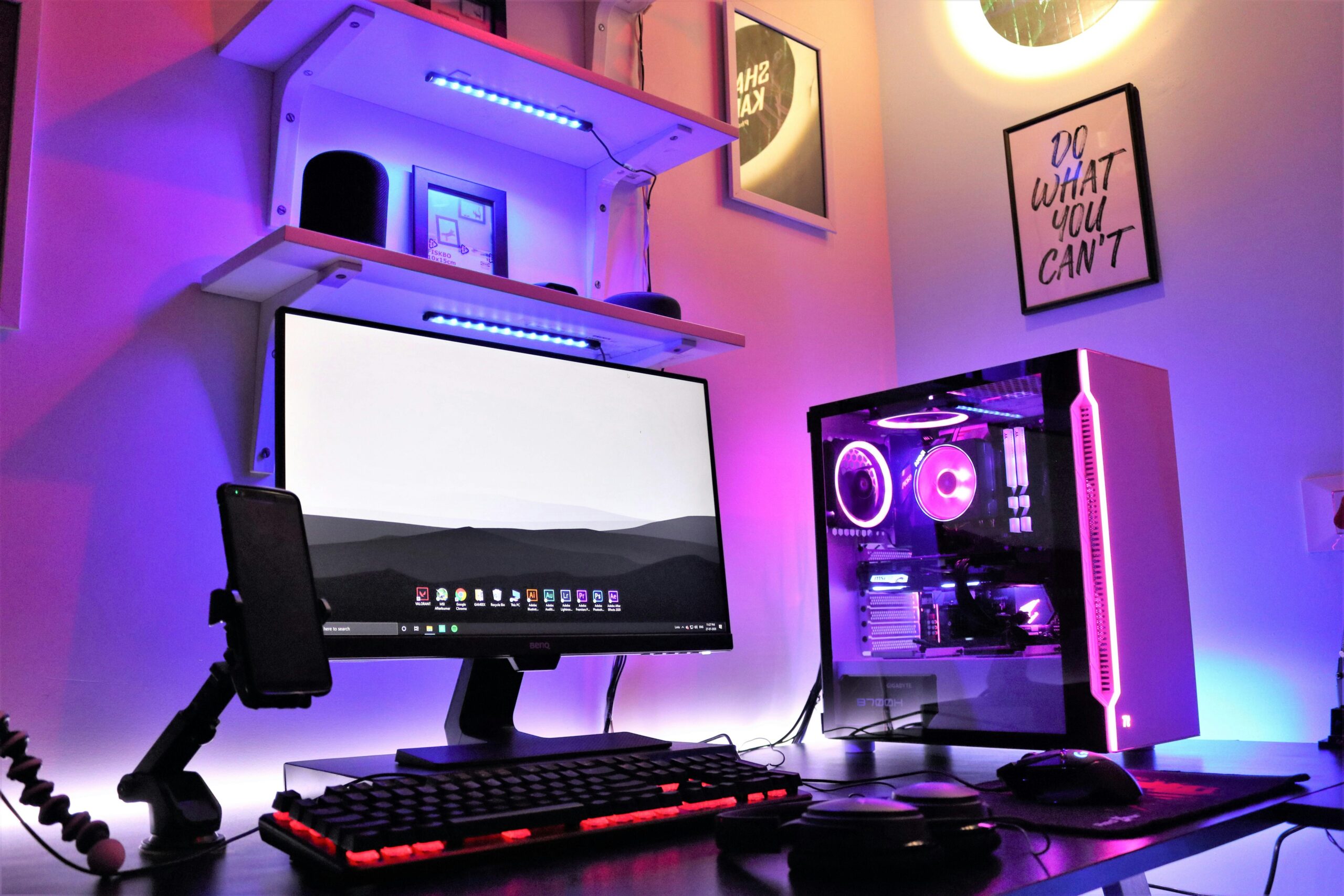
When choosing a monitor for CS2, there are four things you should pay attention to.
First, refresh rate. The higher it is, the smoother the picture looks, and the easier it is to aim (especially important for AWP lovers). The difference between 60Hz and 144Hz is visible to the naked eye, but with higher frequencies this effect becomes less noticeable. Also, your PC should be able to produce enough frames per second. If your computer averages 200 FPS, there’s no reason to buy a 360Hz monitor.
Second, monitor size. While a 27-inch or larger screen is fun for movies, pro players prefer 24-inch monitors. The reason is simple — with bigger screens, your eyes have to move around too much. When you need to keep several points in view, a large screen can actually hurt.
Third, check the monitor stand. Many esports monitors let you adjust the height and tilt. Sure, you can always buy a stand separately, but if you can get a monitor with a good one included, why not?
Fourth, and just as important as refresh rate — the panel type. More on that below.
Monitor panel types — which one to choose?
Let’s quickly go over the main panel types:
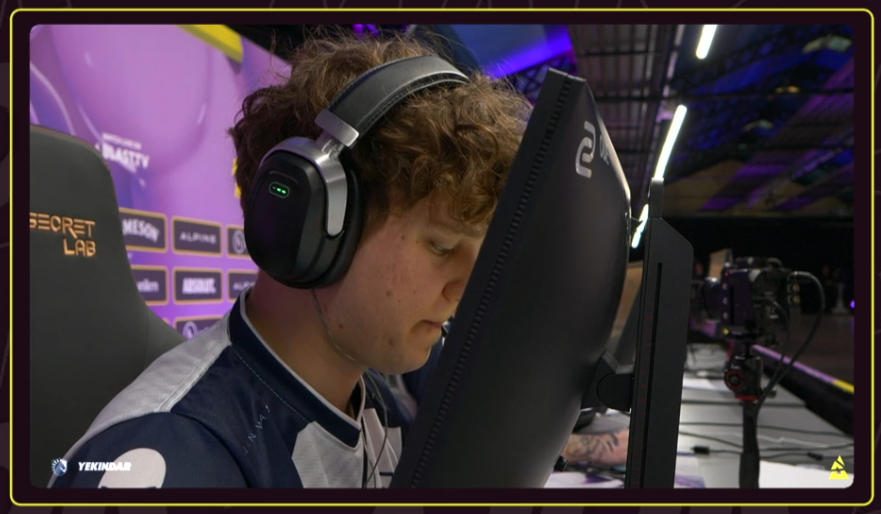
- TN — cheap and very fast response. The downside: poor picture quality, weak colors, and narrow viewing angles. But if you play like YEKINDAR, that won’t bother you.
- VA — high-end models have great picture quality, but VA panels don’t support very high refresh rates.
- IPS — the best balance of speed and picture quality. There are now IPS monitors with very high refresh rates, and they don’t cost as much as an AWP Dragon Lore. The only real downside is that blacks look more like gray, but that’s not a big deal.
- OLED — the best picture quality. The two downsides: way more expensive than other monitors, and they can burn in. If you leave the same image on the screen too long, it can “stick” permanently.
What monitors do pro players use?
Funny enough, tournaments don’t use the absolute best monitors. The standard is Zowie BenQ monitors with 360Hz refresh rate. They use TN panels, but players don’t complain. Why? It’s all about habit.
Pros already have their monitor settings (color balance, brightness, etc.), and no matter where they play, they can quickly set things up the same way. With different brands, settings are never identical. Since pros travel to dozens of events worldwide, they don’t want to waste time adjusting new monitors. That’s why the standard — even if not the best — is a good compromise.
Best monitors for CS2
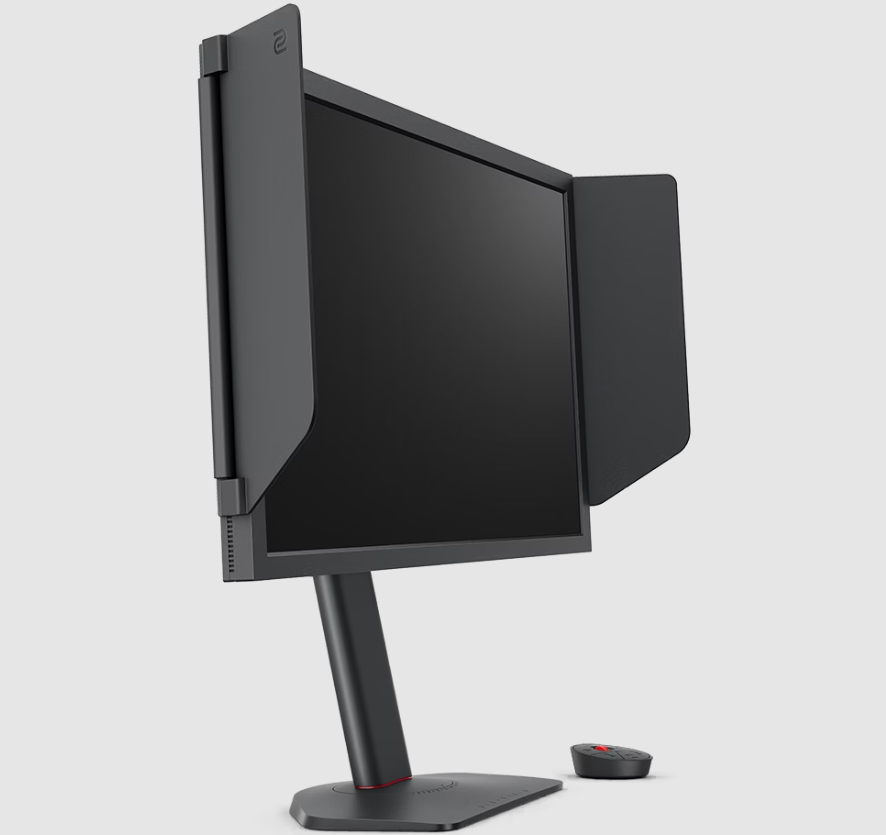
- BenQ Zowie XL2586X+ — the flagship model from BenQ Zowie with a 600Hz refresh rate.
- Alienware AW2524H — 500Hz refresh rate with an IPS panel.
- LG UltraGear 27GX790A-B — OLED panel and 480Hz refresh rate. The downside: 26.5-inch size. Still, STYKO, a pro CS2 player, gave it great feedback.
Tips for choosing and setting up a monitor
First, connect your monitor with DisplayPort — HDMI and other ports can have refresh rate limits. Buying a 360Hz monitor and then playing at 144Hz just because of the port is a waste.
Second, remember that for a high refresh rate, your PC needs to deliver enough performance. There’s no point in buying a 480Hz monitor if your computer only produces 200 FPS. Check your PC’s performance in advance. To learn how to set up Counter-Strike 2 for the best visuals, read our separate article.