When playing CS2, you might notice your character's hands and the screen react to what you do. Your hands move when you walk, and the screen shakes when you shoot. It makes the game look realistic, but it can be super annoying for some players. Today, the CS.MONEY Blog will tell you everything about how to remove screen shake when shooting in CS2.
Did you know that on CS.MONEY you can not only sell a skin for real money, but also withdraw it right away? Our Instant Sell is truly fast! Sell your skins instantly and transfer the money to your bank account—without waiting for Steam’s eight-day trade hold! 👇

Can you completely remove screen shake in CS2 competitive mode?
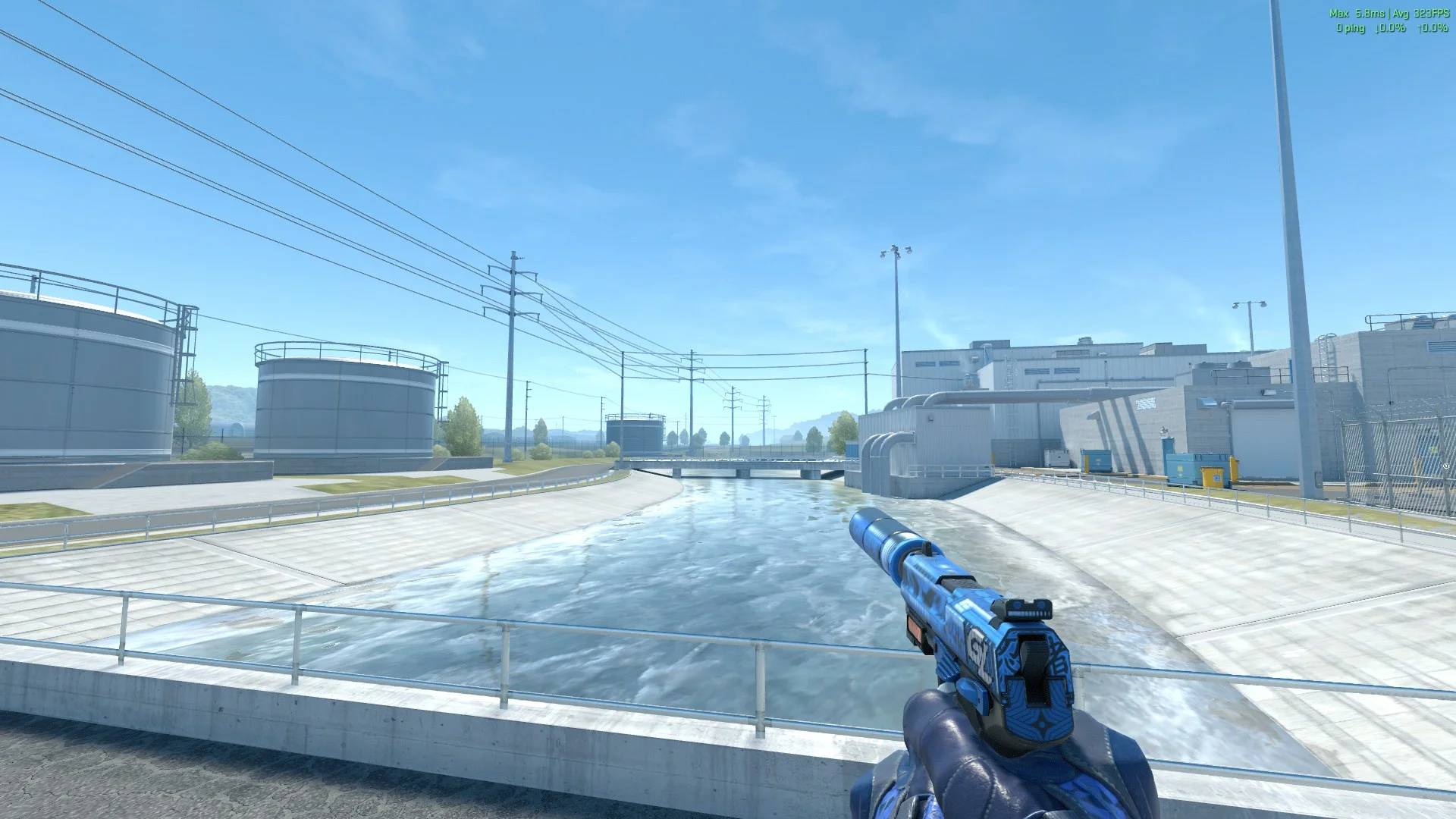
Sadly, no. Technically, there is still a command for this, but it only works on servers with cheats enabled (sv_cheats 1). So, you can only really use it on custom community servers. The command is:
view_punch_decayIf you set this to a high number (like up to 999), it totally kills the camera kick when you shoot, making your aim look crazy smooth. But like we said, it won't help you in ranked or competitive matches. It's just a fun trick to mess around with in private lobbies.
Why do players want to reduce screen shake?
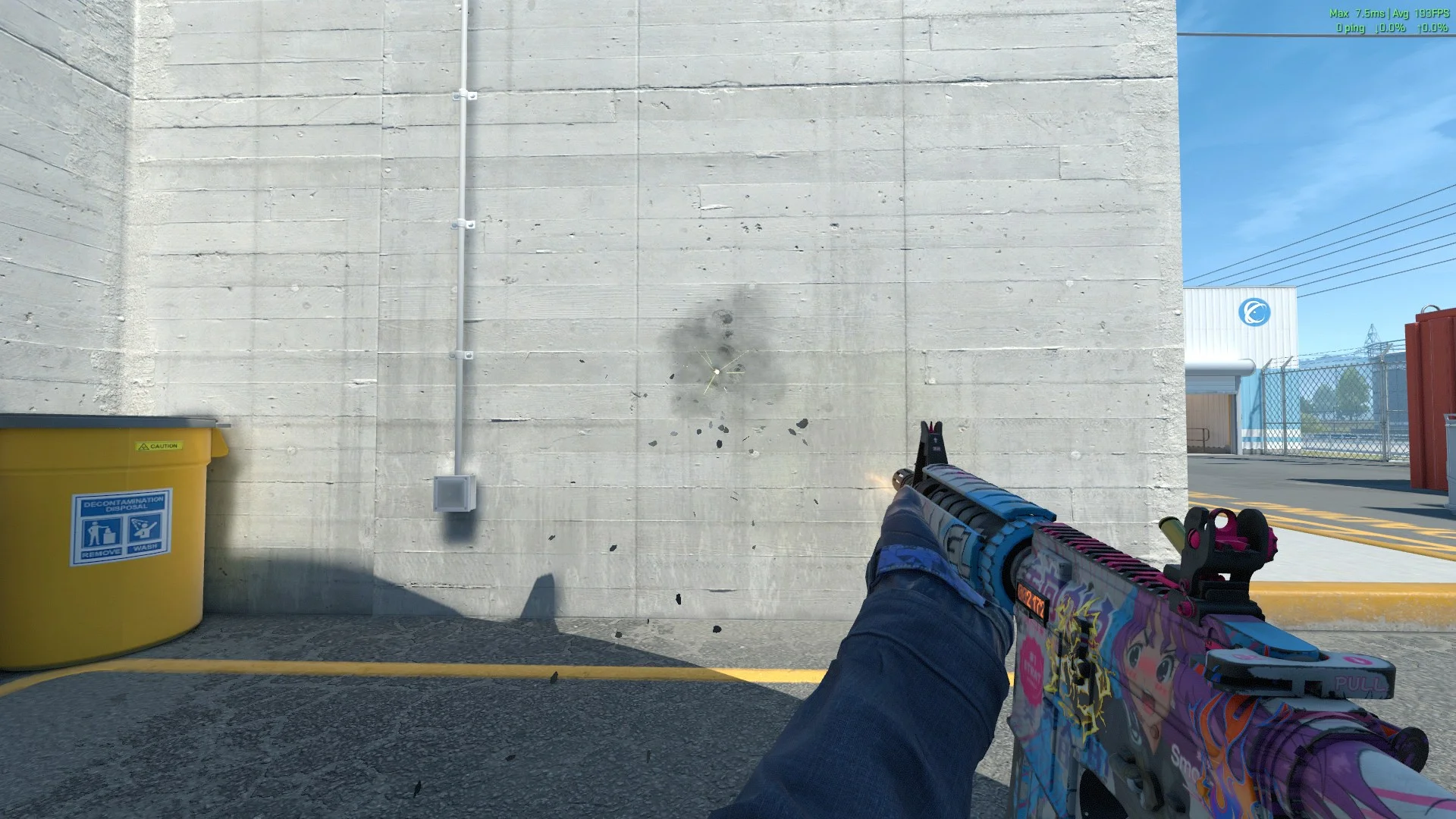
Back in the CS:GO days, players had a bunch of ways to fix this. But when CS2 dropped, a lot of console commands changed or got completely removed, which totally changed how we can customize our gameplay.
One of the biggest things players miss is the cl_bob command, which basically stopped your hands from moving while walking. The community got really used to cl_bob over the years in Global Offensive and is still begging Valve to bring it back. But right now, it is completely dead. In CS:GO, players also used these commands:
- cl_bob_lower_amt 1
- cl_bobamt_lat 0
- cl_bobamt_vert 0
These used to lower hand shaking while walking, left-to-right, and up-and-down. And now, they just don't work in CS2.
So, does that mean you can't do anything about it? Not exactly. You can always try to make the shaking less distracting, and that is where your Viewmodel settings come in.
Will Valve remove screen shake?
It is pretty clear the devs think these animations are super important for making the game feel real. Still, the AnimGraph 2 update made the situation a lot better, and the devs do try to listen to the community, even if fixes take a while. We might see some cool updates in the future, but don't hold your breath for any massive changes anytime soon.