You decided to buy skins in Counter-Strike 2—that’s a great idea! But before every purchase, you need to try them on. And this applies not only to jackets but also to skins. The CS.MONEY Blog explains how to try on skins on our website.

You can find a huge number of skins of every style, colour and price! Click on the banner and update your inventory in just a few clicks!

How to try on skins on CS.MONEY?
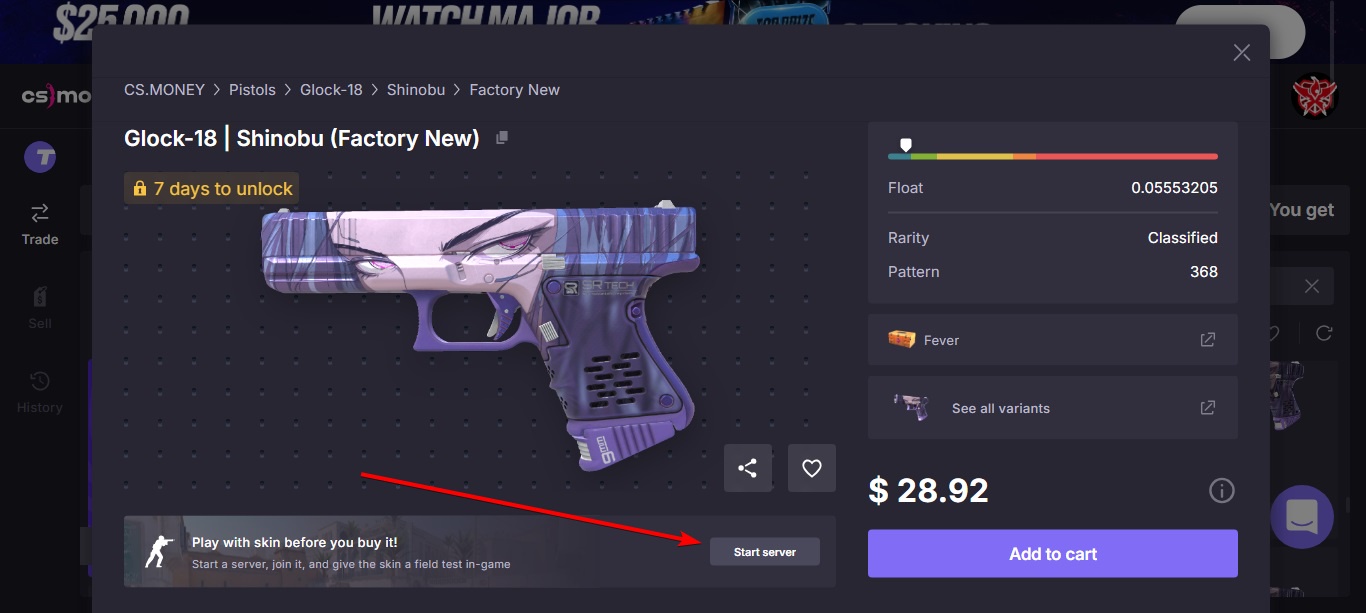
It’s very simple. Go to the website and open the “Trade” section. There, choose a skin you like and open its card—just click on it. In the pop-up window that opens under the skin image, there will be a “Start server” button. Click it—it will change to “Join server.” Click again, and you’ll be connected to the server.
You will appear in the game already with the selected skin in your hands. Now you can run around the map, look at it, and study it from all sides.
Important: if CS2 is not running at that moment, it will launch automatically, but the connection to the server may not happen. In this case, just click the “Join server” button again—you will definitely be connected.
How to view a combo of a knife and gloves or other skin combinations?
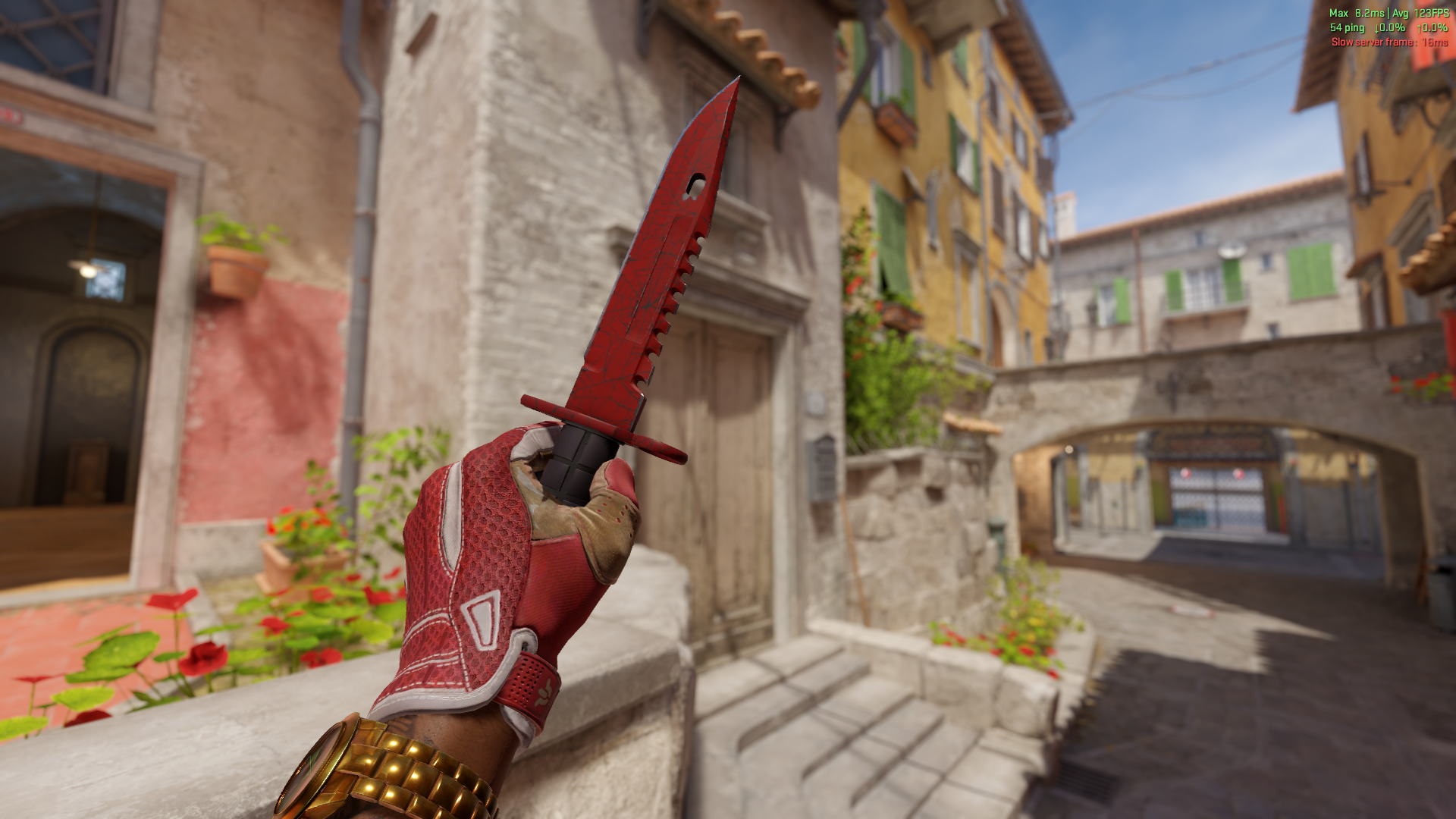
If you want to look at different skins before buying on CS.MONEY—no problem. Just open the skin cards and click the same buttons as the first time. Moreover, you can view several skins at once. For example, choose a knife, gloves, and “AWP.” To do this, you need to open the cards of the required skins one by one and click “Join server.” If it starts reconnecting you—don’t worry. All the selected skins will be added and prepared for viewing. That’s how simple it is!
Skin viewing options
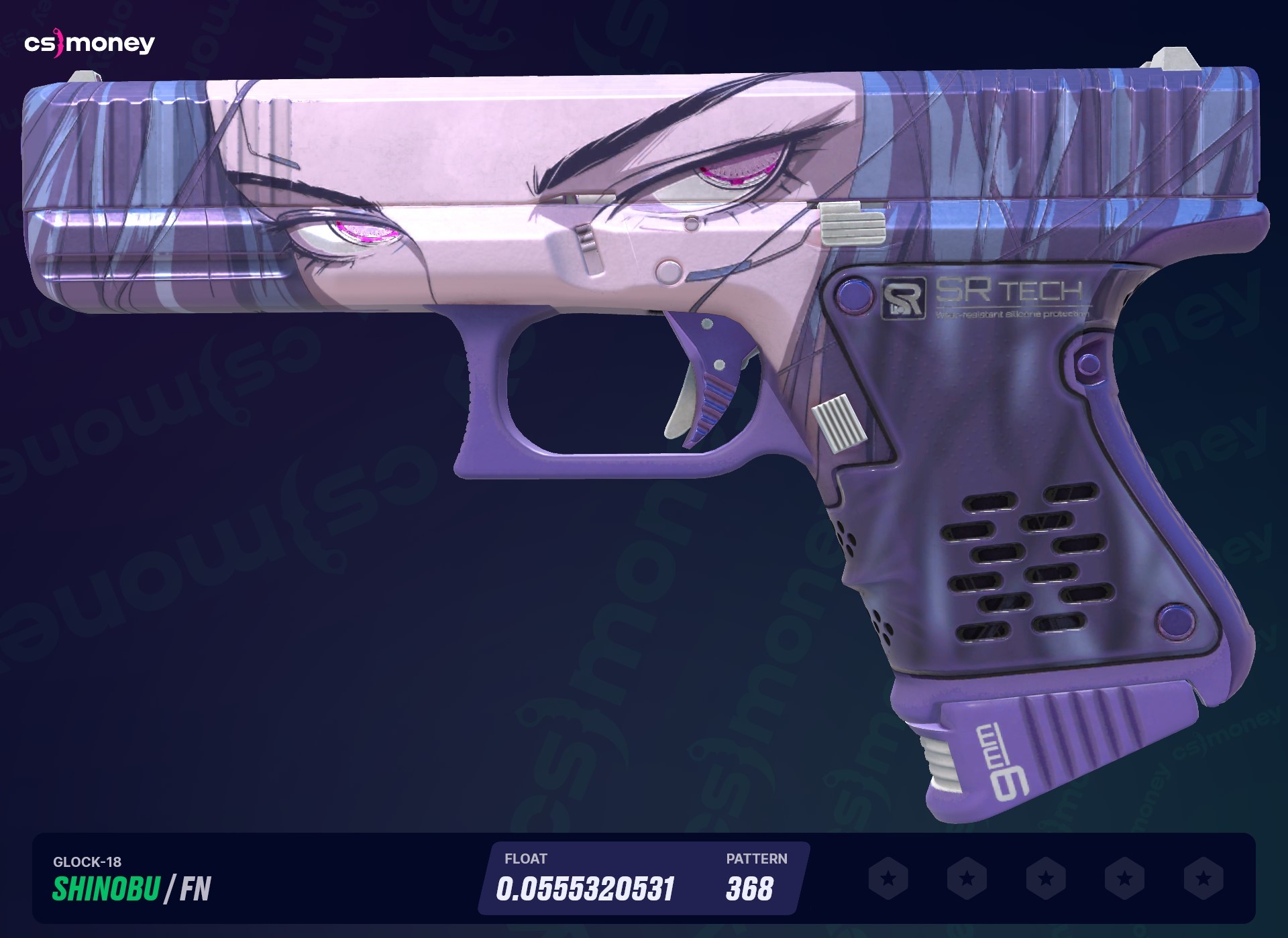
Besides viewing on the server, there are also several other options to check out a skin before buying. All of them are available from the skin card on the site in any section. These viewing options include:
- High-res screenshot with the skin;
- 3D inspection;
- Inspection in-game on the inspection screen.
For some skins, clips are also available. A clip is a short gameplay video with the skin in hand. Very convenient if you want to see the skin in action!
Don’t know which skins to buy in CS2? No problem. We have already selected the 7 best combos of knife and gloves for you. Be sure to check them out!