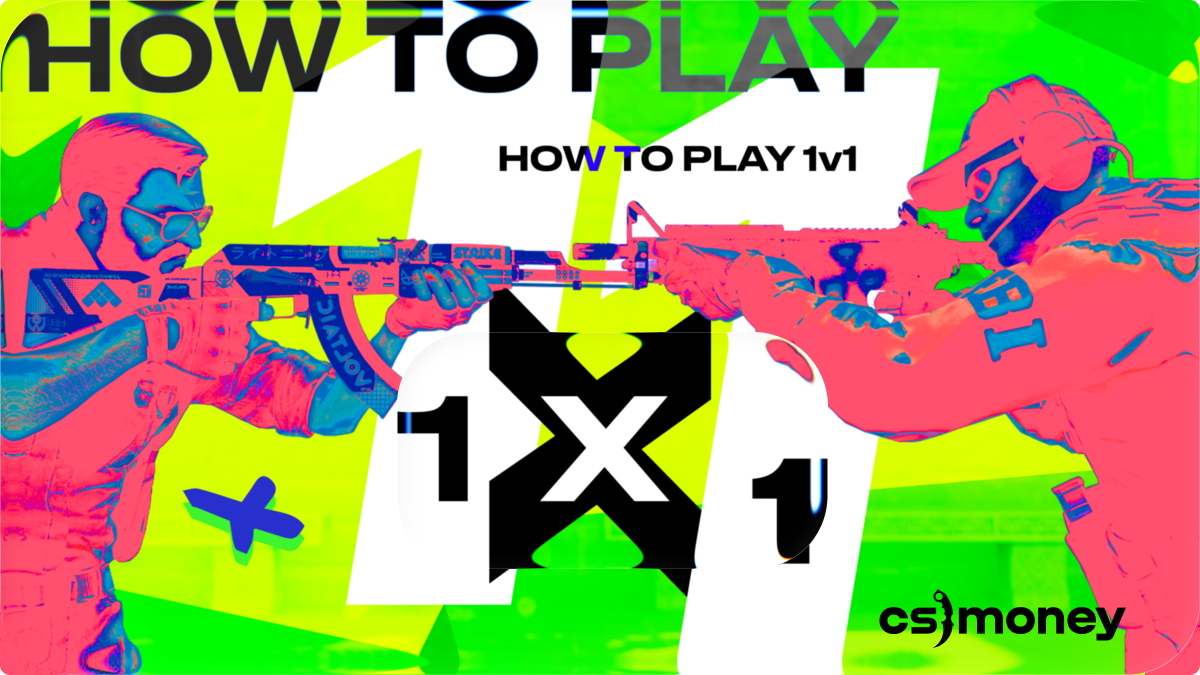
There’s no “Play 1v1” button in Counter-Strike 2. But inviting a friend (or a few) for a duel or a friendly match is way easier than it seems. The CS.MONEY Blog will show you how to play 1v1 in CS2.
Skins make any match more fun! Grab them at low prices on our site!

Option One: Start the game from the lobby
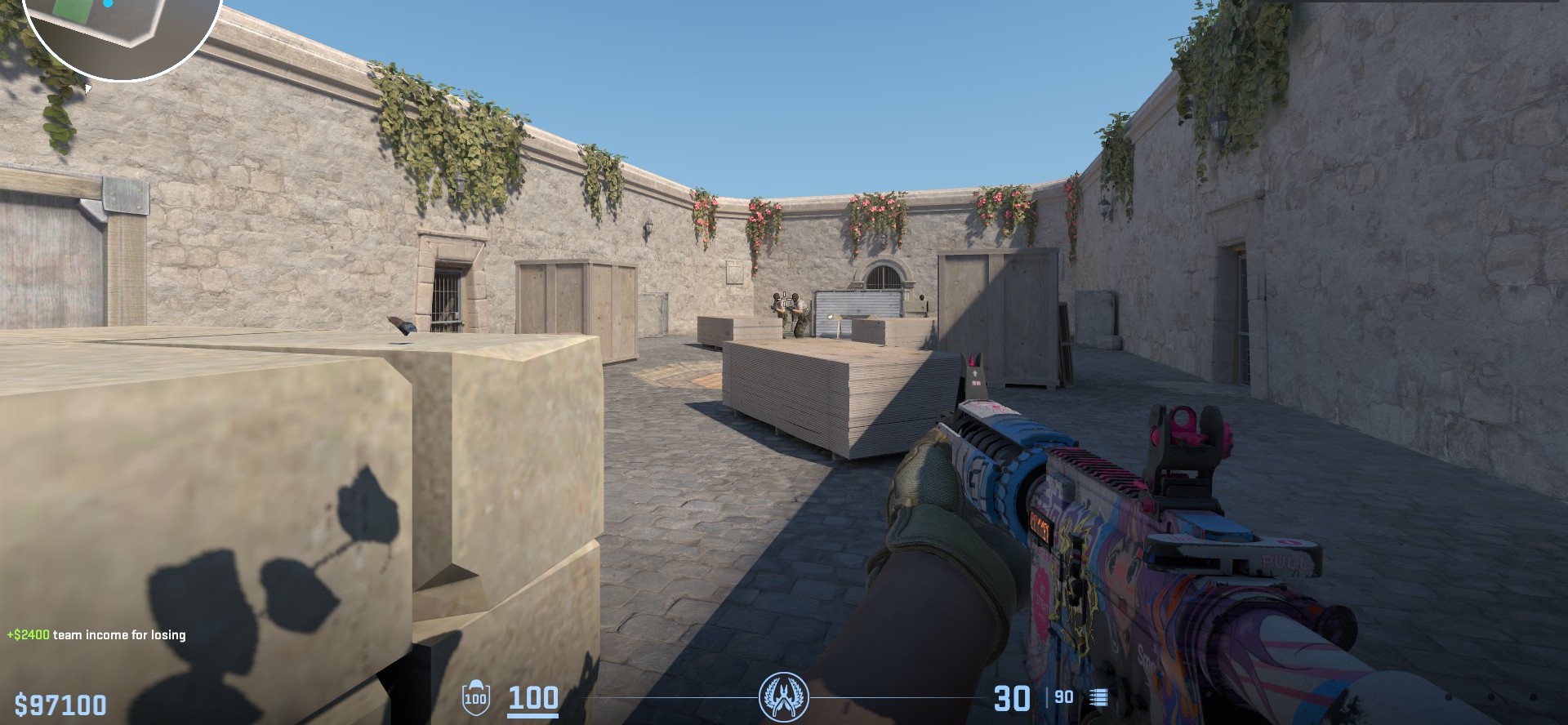
The easiest way is to invite your friend to a group and launch the game in training mode. Here’s how:
- Send an invite — you can do it directly from the main menu;
- Once your friend accepts, open the game mode screen and choose “Practice”;
- Pick the map and mode. You can use both official and Workshop maps — there’s a special tab for that;
- Once you’ve selected everything, just start the game and wait for your friend to load in;
- Last step: open the console and set up the game — like kicking the bots.
That’s it! It’s a quick and simple option, but there are a few downsides. For example, the match runs on default settings. So if you want to play 1v1s often, it’s better to create a custom config file and run it once you’re in-game.
Option Two: Rent a server
Instead of forming a party every time and typing console commands manually, you can rent a dedicated server for 1v1 games. The downside? It’ll cost you — even the cheapest server rentals are around ten dollars or more.
But there are upsides too:
- The server is always online — no need to invite friends each time;
- You can join via IP address;
- You can customize everything exactly how you want it.
Option Three: Community Servers
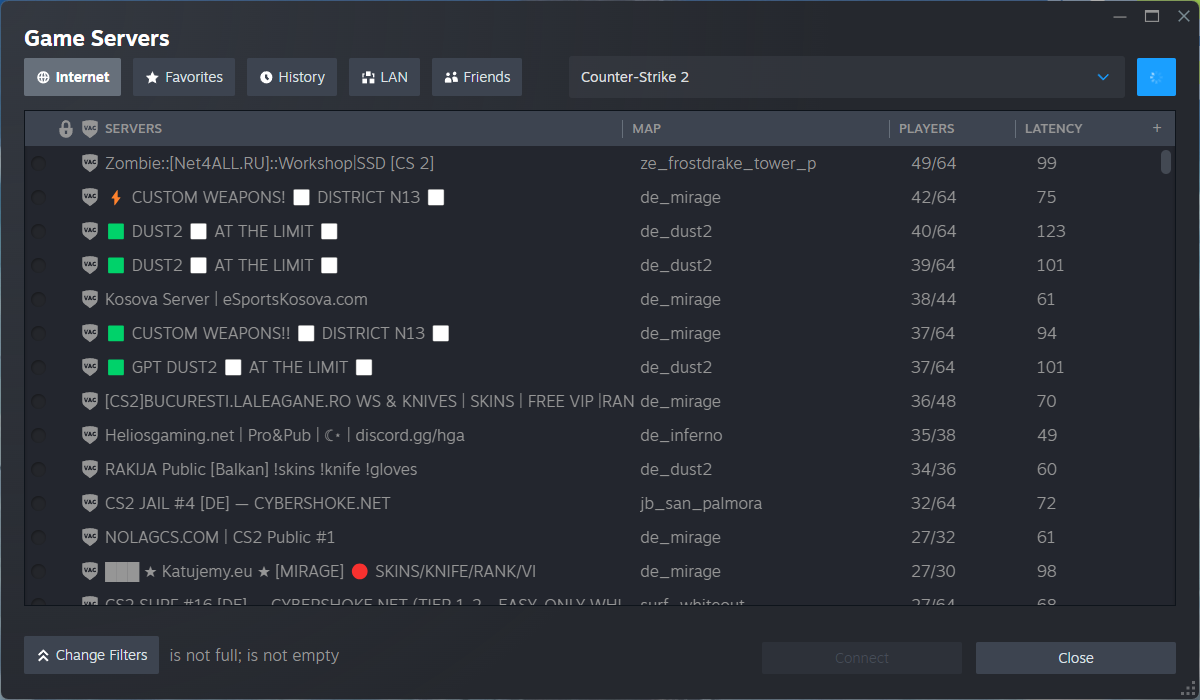
The last option is to join community servers. The big plus here is how easy it is. CS2 has a built-in server browser. You can use it to search for 1v1 servers and play against other players.
But there’s one major risk. Recently, pro player Ilya “m0NESY” Osipov lost access to his Steam account — and he says it happened while playing on a community deathmatch server. So if you choose this option, make sure the server has a good reputation and protect your Steam account properly.
To sum up: to play 1v1 in CS2, you just need to invite a friend and start a practice match. But if you want more control, you can rent a private server or use community ones. No matter which option you pick, a 1v1 is a perfect chance to flex. So before the match, grab a flashy skin — and dominate with both skill and style!