Steam isn’t just a game store — it’s a full-fledged social network for gamers. That’s why customizing your profile matters. After setting up your avatar and username, it’s time to organize your Steam showcases. The CS.MONEY Blog is here with a guide on how to do just that.
One great option? A showcase full of CS2 skins. You can buy bright and stylish skins at low prices on our site!

What is a Steam Profile Showcase?
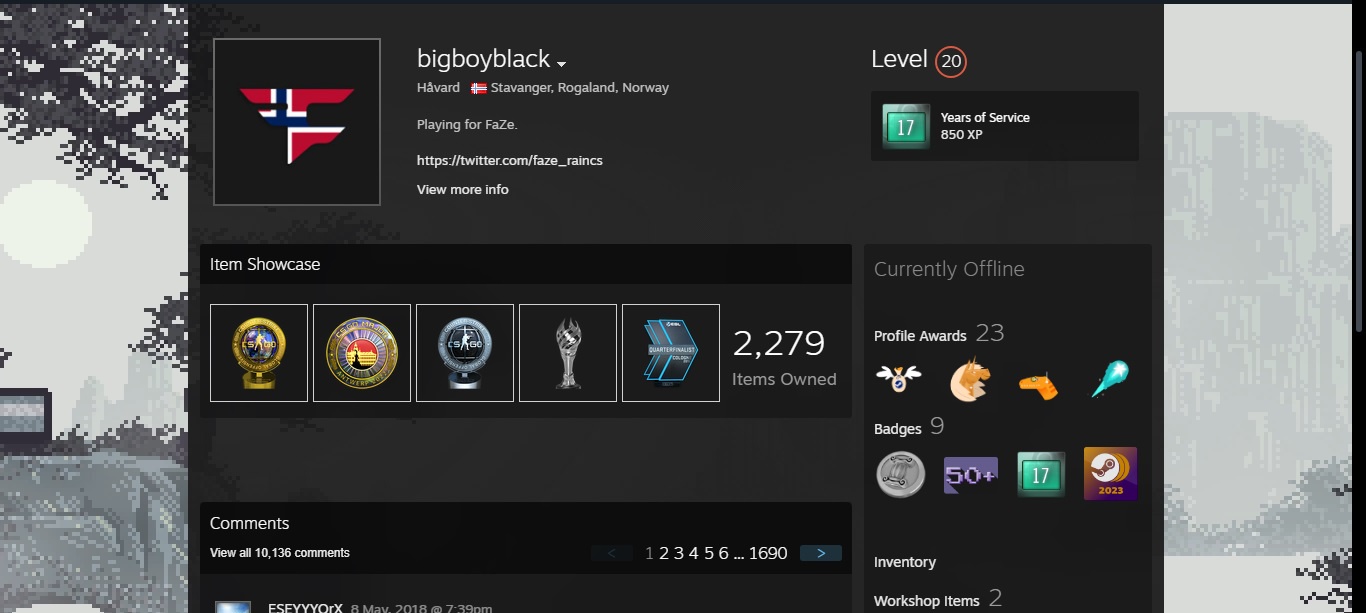
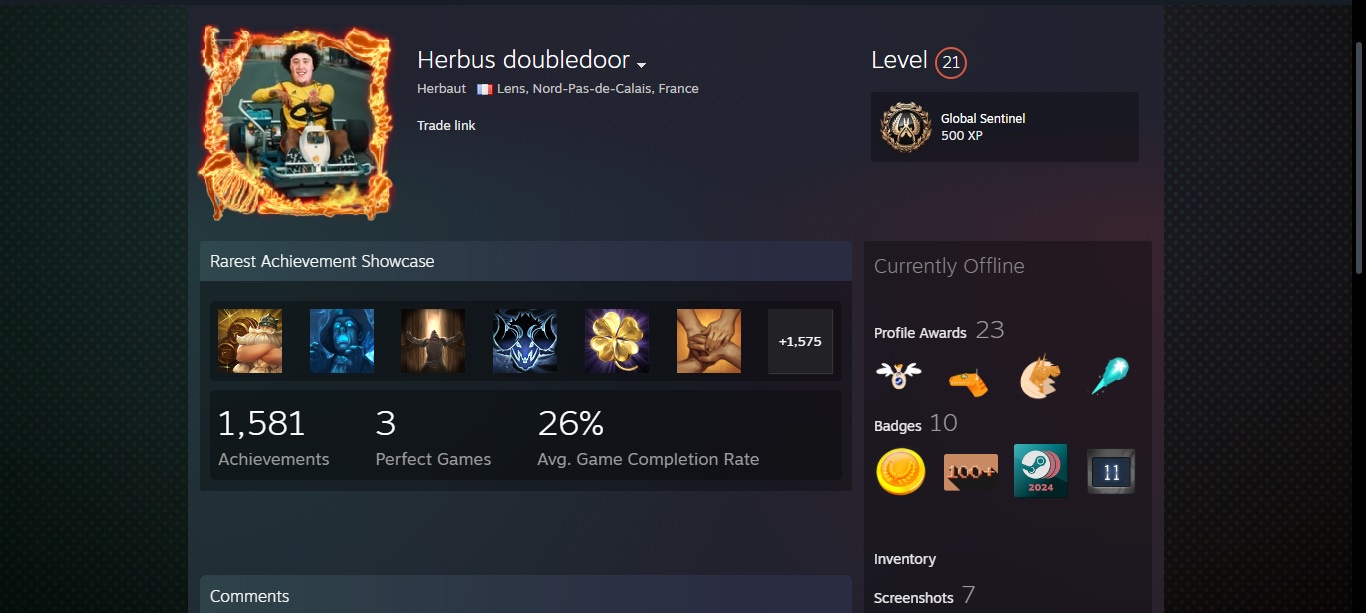
Your Steam profile is made up of different “sections.” Some of them — like your avatar, nickname, and tagline at the top — can’t be changed much. But others can. A showcase is an optional, customizable block on your profile that displays a specific type of content:
- Your favorite games
- Achievements
- Screenshots
- Workshop items
- And yes, skins from your inventory
Showcases are one of the simplest and most visually appealing ways to personalize your Steam profile.
How to Unlock a Steam Showcase
Not everyone has access to profile showcases right away. To unlock your first one, you’ll need to reach Steam Level 10. It’s not too hard — it just takes a bit of patience. Here are a few ways to level up:
- Craft badges (using trading cards from games)
- Join seasonal events (like the Summer or Winter Sale)
- Earn badges for account age, community participation, and more
Once you hit level 10, you’ll unlock your first showcase slot. For every 10 levels after that, you’ll unlock another. The maximum number of showcases is 16, which is available at level 160 and above.
How to set up showcases on your Steam profile
Customizing your Steam showcases only takes a few clicks. Here’s how to do it step-by-step:
- Open Steam
- Go to your profile
- Click “Edit Profile”
- In the left sidebar, choose “Featured Showcases”
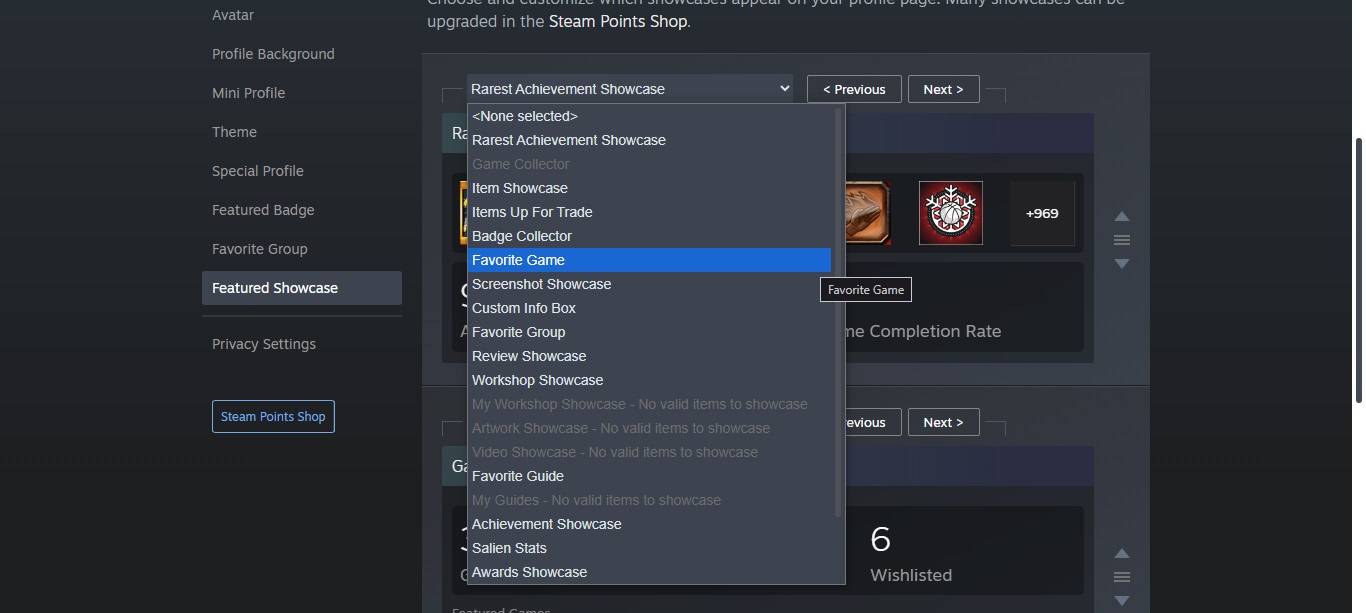
On this page, you’ll see a list of showcase types you can use, including:
- Achievement Showcase
- Favorite Game Showcase
- Item Showcase
- Screenshot Showcase
- Workshop Showcase
- And more
Note: Some showcases require you to have the matching content. For example, to use a Screenshot Showcase, you need to have uploaded screenshots. The same goes for Workshop content.
Show off your CS2 skins
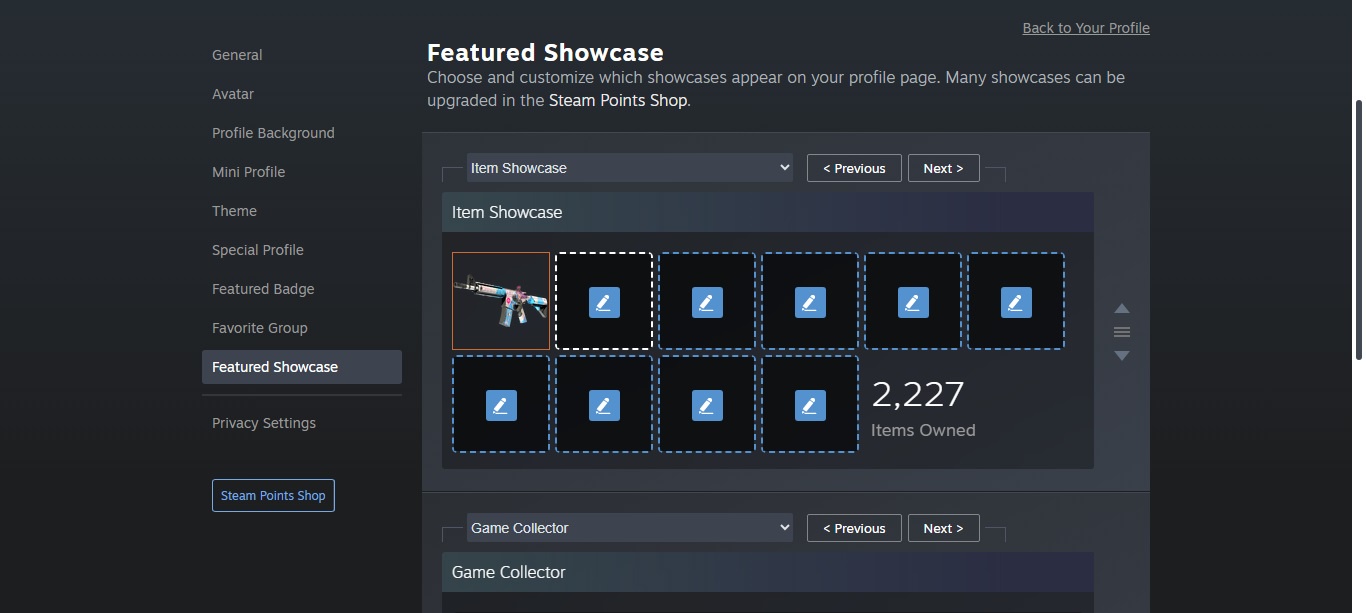
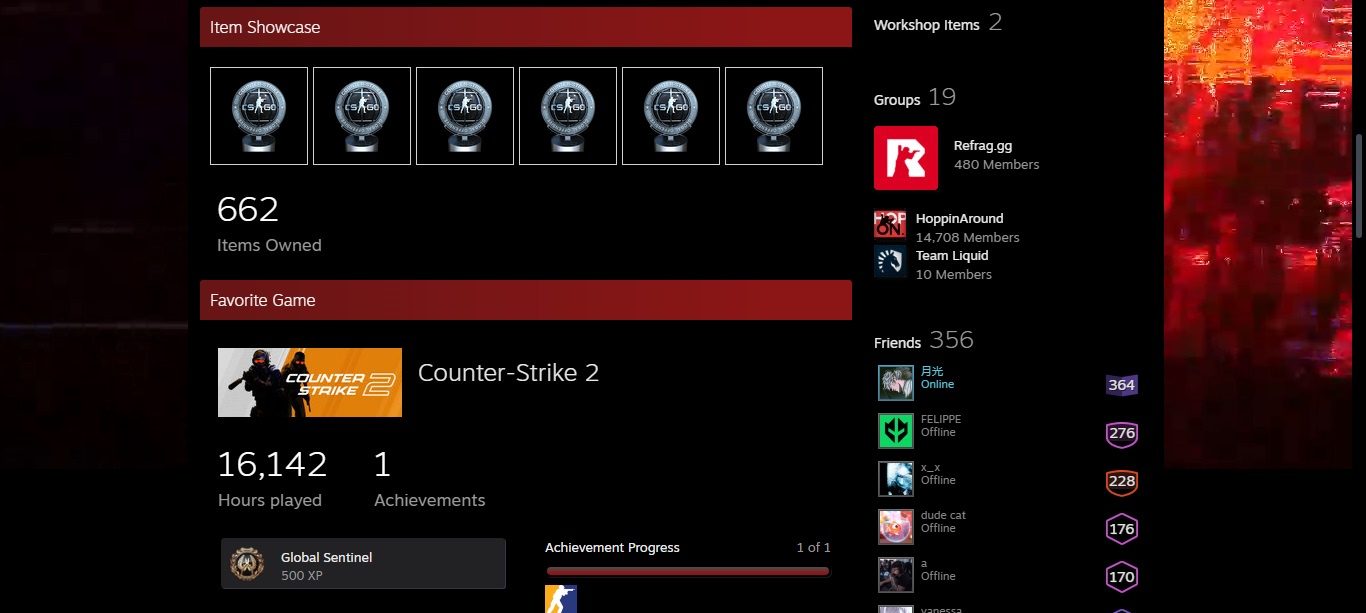
Let’s say you choose the Item Showcase — this one lets you display skins, which are some of the most beautiful things in CS2. Once selected, several slots will appear. Click on each one to choose a skin to feature. When you’re done customizing your showcase, just hit “Save”, and it will appear on your profile for everyone to see!
No skins yet? No problem. Head over to the CS.MONEY Market to pick up any skins, knives, gloves, or agents you like — quickly, easily, and at the best prices!