Counter-Strike 2 is a competitive game where not only your skill matters but also your hardware. The CS.MONEY Blog breaks down what’s more important in CS2 – the CPU or the graphics card – and suggests optimal components for a comfortable gaming experience.
To get the most out of Counter-Strike, you’ll need not only good hardware but also vibrant skins. Visit our website and pick your ideal skin at low prices!

What’s More Important: CPU or GPU?
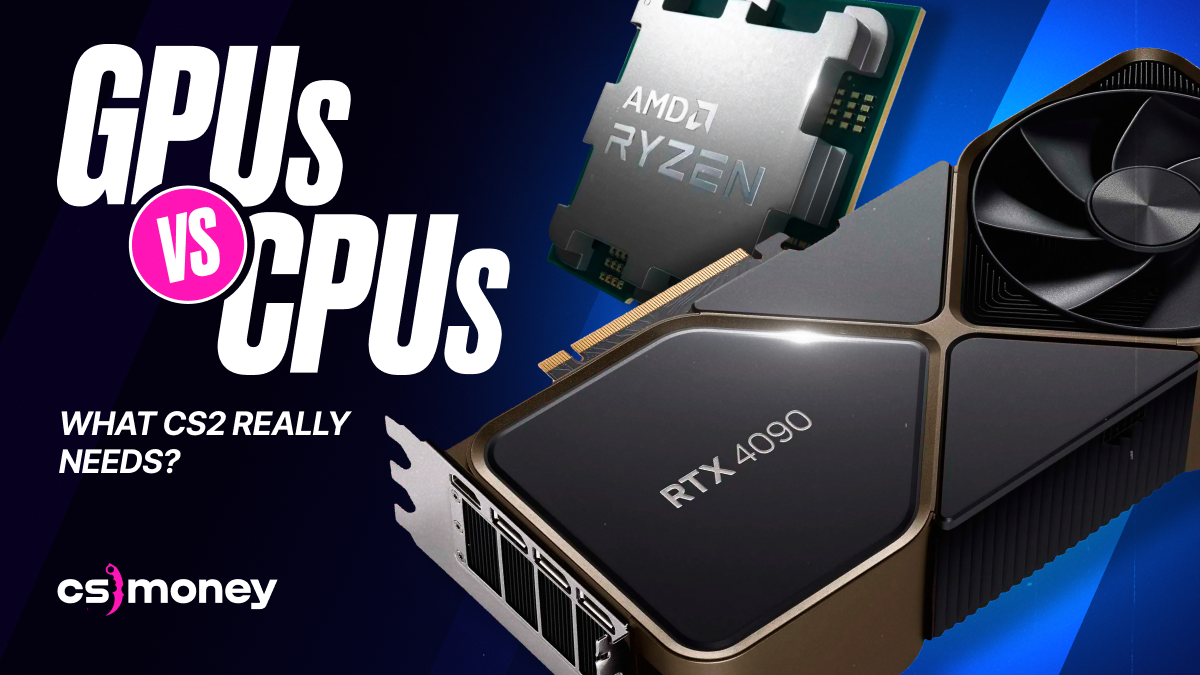
Performance in CS2 depends more on the CPU than the graphics card. In this aspect, it resembles its predecessor – CS:GO. The Source 2 engine heavily utilizes the CPU’s computational power. The higher the clock speed and the number of cores, the better.
That said, the graphics card also has its role to play. Even the lower-end models of the current AMD and NVIDIA graphics card lines can render hundreds of frames per second in CS2. However, older graphics cards, such as the RTX 2060, may not be sufficient for playing at high settings or resolutions.
How Much RAM Is Needed for Comfortable Gameplay in CS2?
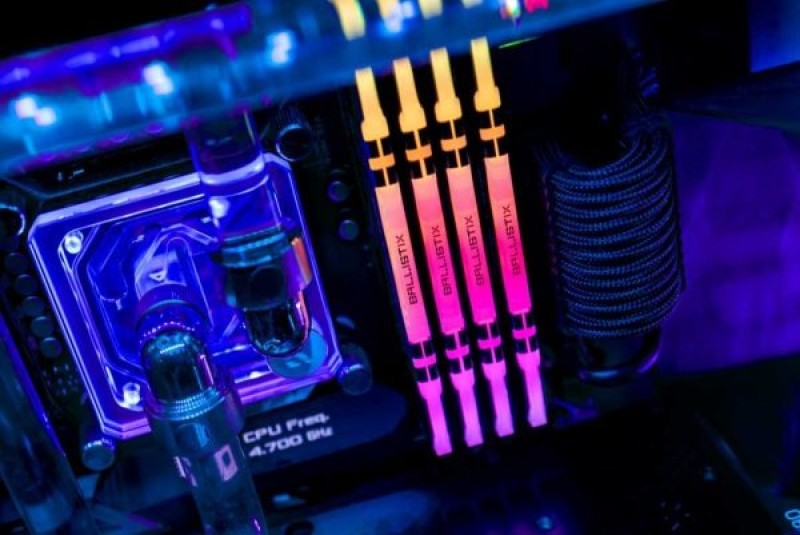
For comfortable gaming in CS2, 16 GB of RAM is enough. The minimum requirements state 8 GB, but there are two problems with that:
- 8 GB might not be enough, leading to micro-stutters or slowdowns.
- It’s hard to find two 4 GB RAM sticks, and they cost more than two 8 GB sticks.
So, if you’re looking to build a computer for CS2, look for one with 16 GB of RAM or more. If your computer has 8 GB of RAM, it’s time for an upgrade – 8 GB is quite limited.
System Requirements for Counter-Strike 2
Valve has published very vague system requirements for CS2 on its Steam page. Here are the minimum system requirements for CS2:
- OS: Windows 10 64-bit
- CPU: 4-core CPU
- RAM: 8 GB
- Graphics Card: Must have at least 1 GB of memory and support DirectX 11 with Shader Model 5.0
- Storage: 85 GB SSD
There are no recommended requirements listed on the store page. You can play on a computer with “minimum” specs, as confirmed by 3kliksphilip, but playing comfortably? Probably not. CS.MONEY recommends aiming for the following build:
- CPU: Intel i5/i7 12th or 13th generation or AMD Ryzen 5/7 (latest generation)
- RAM: 16 GB, 3200+ MHz
- Graphics Card: NVIDIA RTX 3060, AMD RX 6600 XT or newer
- Storage: 85 GB SSD
With this hardware, the average FPS will be in the hundreds, the visuals smooth, and there will be no freezes.
How to Increase FPS in CS2?
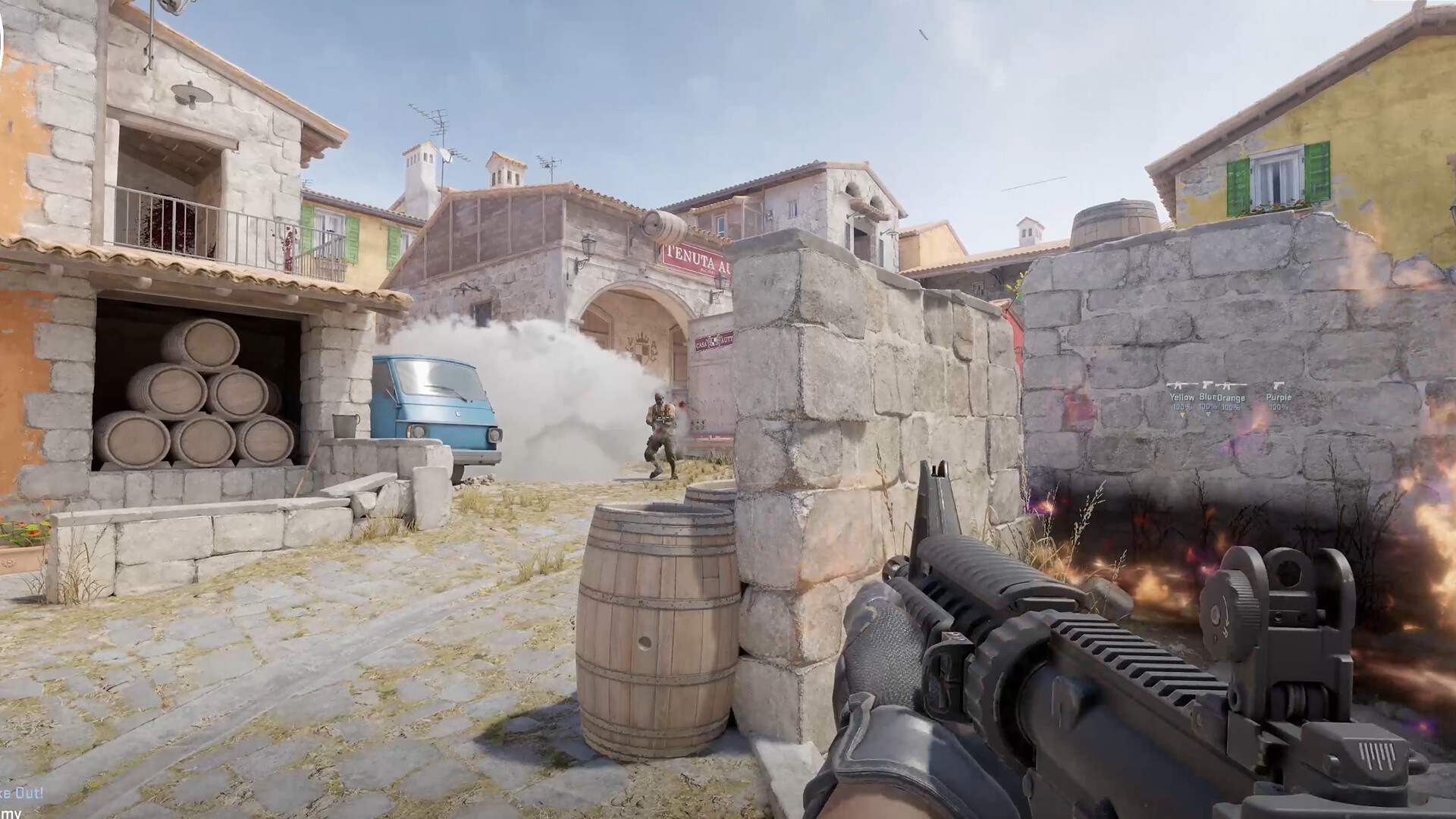
There are several ways to increase your frames per second. If the bottleneck is the graphics card, the solution is to lower the graphic settings. Start by:
- Lowering the screen resolution
- Reducing shadow and effect quality
- Enabling FSR (FidelityFX Super Resolution) if needed.
If the problem is with the CPU, you can improve things slightly by closing background programs. Even a browser with multiple tabs can affect performance. However, given that CS2 relies on the CPU, the best option is to upgrade your hardware.
Conclusion
For comfortable gameplay in CS2, it’s crucial to have a powerful CPU and 16 GB of RAM. The graphics card also plays a role, but it’s not as critical. Even relatively budget-friendly cards will suffice. With optimization settings or closing unnecessary programs, you can slightly improve performance in an emergency, but it’s better to consider upgrading your hardware.