Blog explains how to use a protector, how much it costs, and how to take a sticker out of it.
CS.MONEY Blog explains how to use a protector, how much it costs, and how to take a sticker out of it.
Get the most out of the game, buy skins on CS.MONEY!

What is a sticker slab?
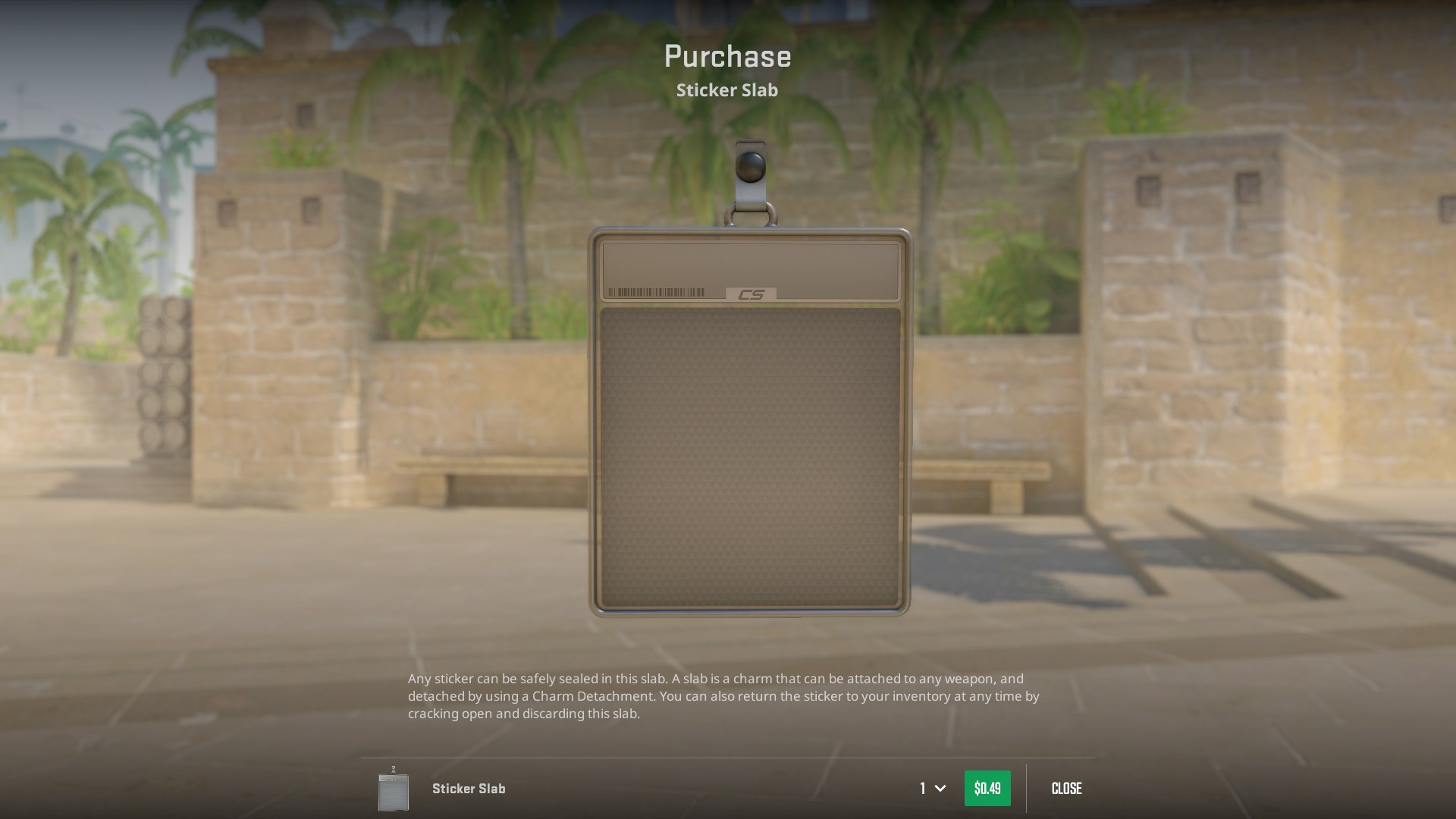
A slab is a 3-in-1 thing, like instant coffee. At the same time, it’s a separate item, a charm, and a sticker. But it doesn’t become all that right away. When you buy a protector (it’s available in the CS2 in-game store and costs 50 cents), you get an empty shell in your inventory. You can’t use it on its own, only together with a sticker. But the sticker placed inside it can be attached to a skin as a charm. Sounds complicated, so let’s break it down step by step.
How to use a slab in CS2?
To fully use a slab, you need three things:
- the protector itself;
- a sticker for it;
- a skin where the charm will be attached later.
Got everything? Then open your CS2 inventory, choose the sticker you want to place into the protector, and right-click on it. In the menu that appears, select the correct option. After that, a preview window will open, where you can see the final result.
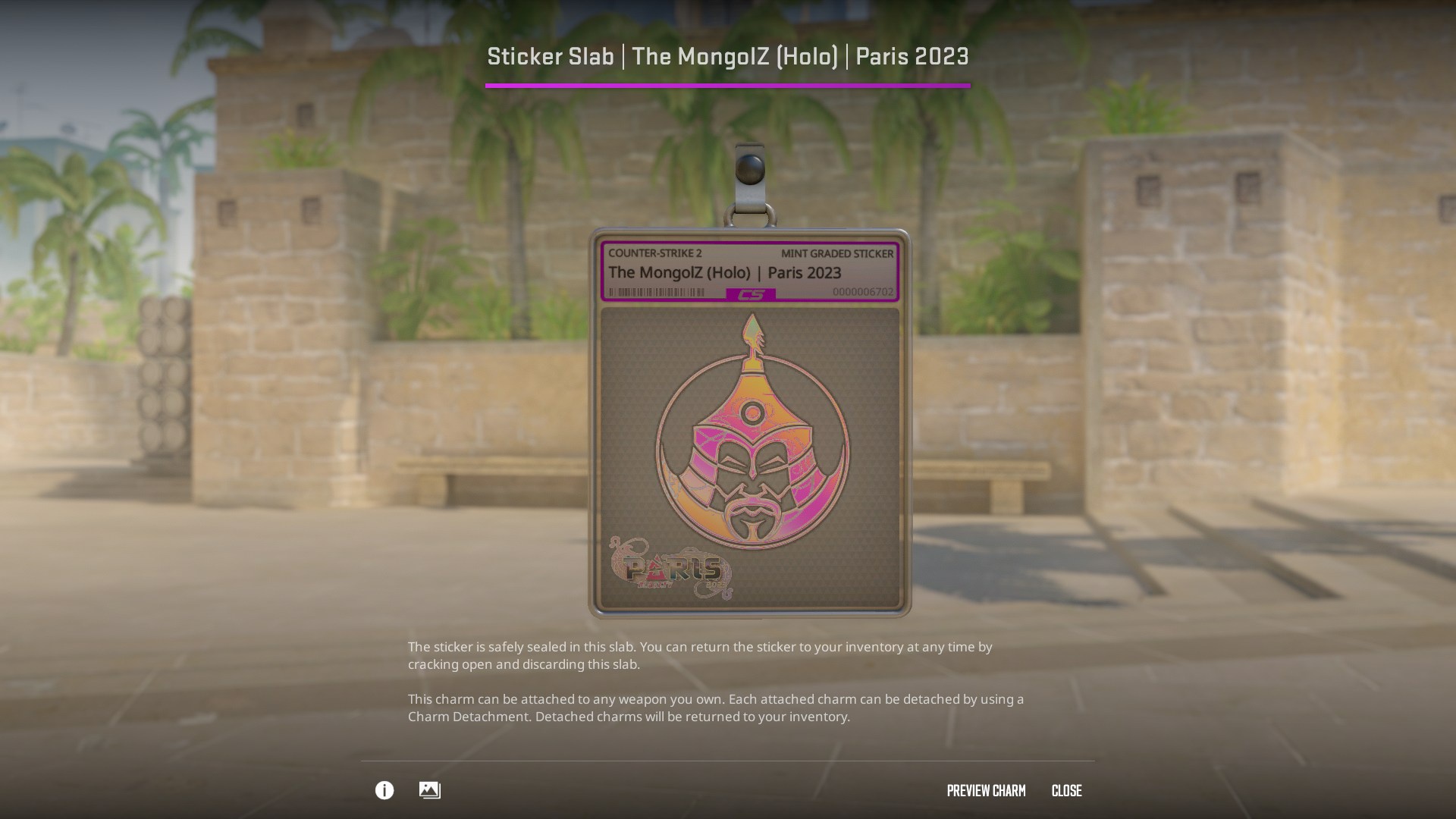
Inside the slab, the sticker looks like a collectible Pokémon-style card. Besides the sticker image itself, there is a special area at the top with its name, condition, game title, and number. The number, by the way, is just the sticker’s order number in the game. It’s not random, and identical stickers always have the same number. There will also be a colored frame at the top that matches the sticker’s rarity.
If you like the result, you can continue and receive a charm-protector with the sticker inside in your inventory. You can use it just like a regular charm. Keep in mind that a protector with a sticker takes up a normal charm slot, so you can’t equip two at the same time.
How to remove a sticker from a slab?
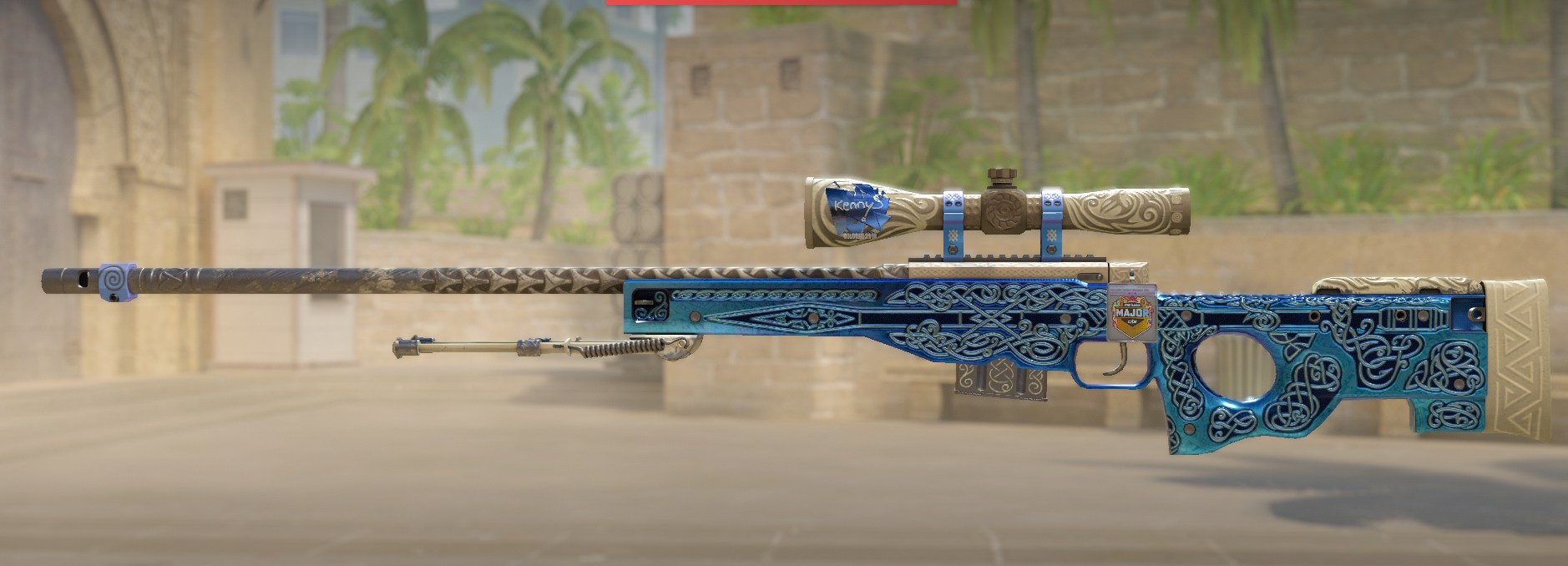
The main feature of the protector is that the sticker inside is not permanent. You can take it out and return it to your inventory. To do this, you need to:
- open the “Inventory” in the game menu;
- find the slab you want to remove the sticker from;
- right-click on it and select the correct option in the menu;
- in the inspection screen, confirm the action and get the sticker back into your inventory.
There is only one downside to this process: you can remove the sticker only by completely destroying the protector. Still, considering that some stickers can cost hundreds or even thousands of dollars, losing 50 cents doesn’t sound that scary. Curious what kind of stickers those are? We’ve already collected the 7 most expensive stickers in one place. Follow the link and see how a single sticker can cost as much as a motorcycle or even a car!