Skins in Counter-Strike 2 are not only for buying. You can also sell them or trade them with other players. The CS.MONEY Blog explains how to track skin prices in CS2 so your deals are always as profitable as possible.
Skins make your game brighter! Create awesome crafts, and CS.MONEY will help you get everything you need at a low price!

How skin prices are formed
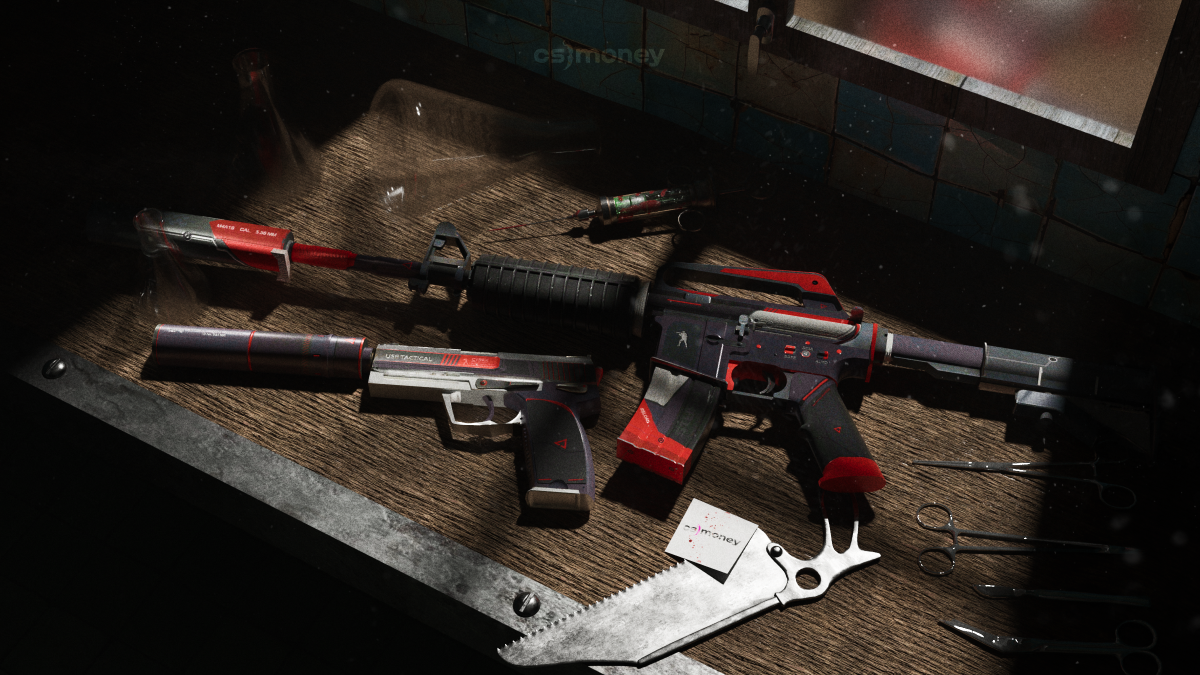
The CS2 skin market is free. Prices are set by demand from buyers and supply from sellers. That’s why most skins in CS2 don’t have a fixed price. The cost depends on how much buyers are ready to pay and how much sellers agree to accept.
Key factors that affect the price of a skin:
- Freshness. Skins that just got added to the game are often overpriced at first because of hype.
- Wear level. The float value affects how the skin looks. A “Factory New” skin costs more not only because it’s rarer, but also because it usually looks better.
- Popularity. The more popular the weapon, the higher the price. Skins for the AK or M4 are always more expensive than similar skins for less-used guns like FAMAS or MAG-7.
- Pattern. Some skins change depending on the pattern number. For example, Glock-18 Gamma Doppler has four phases and an Emerald version. The Emerald is much rarer and costs more.
Another big factor is availability. If a skin is from a collection or case that’s no longer in active drop, its price goes up. Supply shrinks over time, and if demand stays the same, the price grows.
How to track skin prices
There are a few ways to check the current market price of a skin. You can use Steam Market graphs, third-party sites, or even track prices manually.
Steam Market
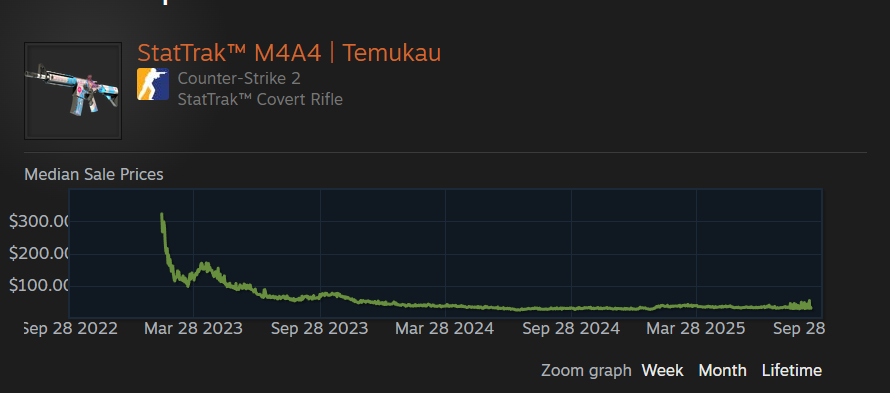
The Steam Marketplace is huge. It’s full of sales for cheap and mid-range skins like AK-47 Redline or M4A4 Desolate Space. Every listing has a sales history with price graphs and active offers. The main problem is that rare and expensive items are missing, and prices are a bit higher because of Steam’s commission.
Graphs on third-party marketplaces
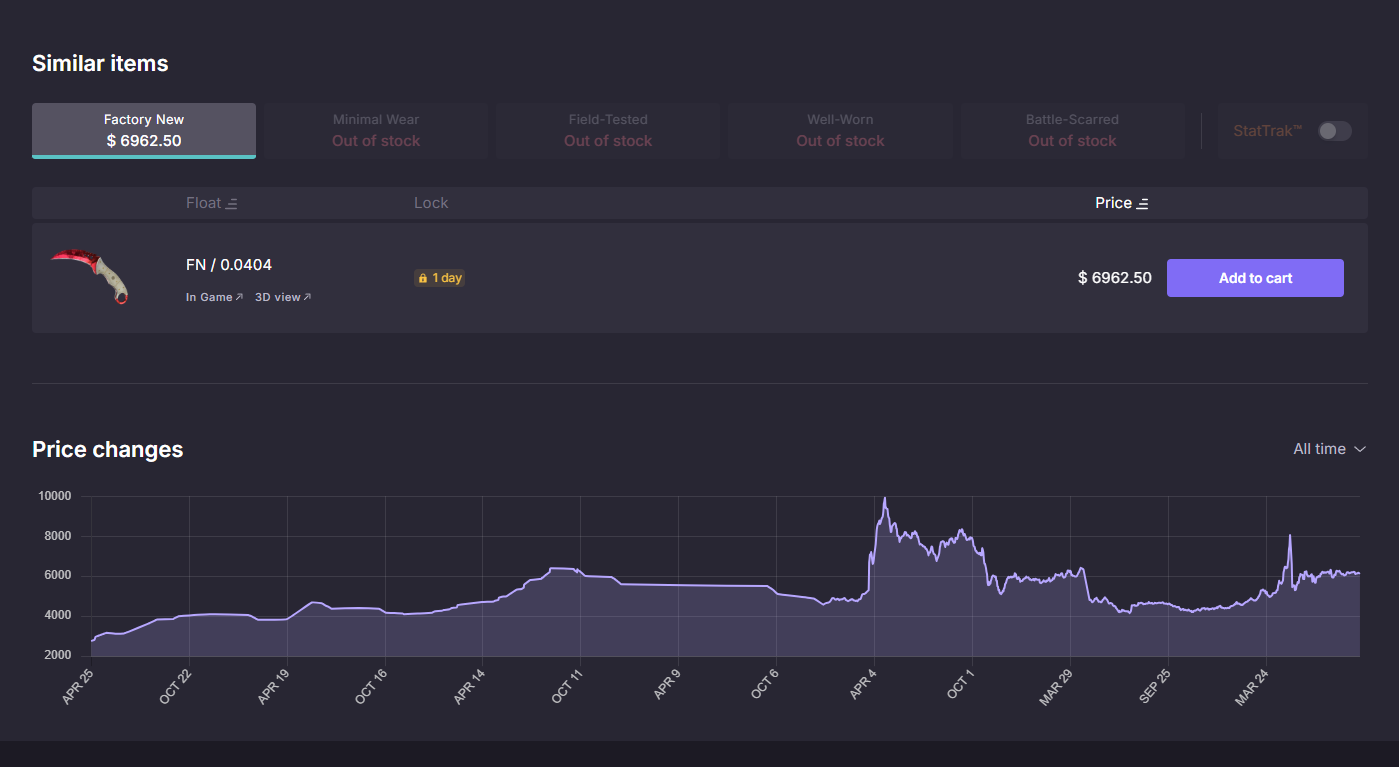
Third-party trading sites also give data on price changes. For example, on CS.MONEY each skin has a card. You can open it to see a price graph, check how wear affects the price, and view other offers. All info is in one place, which makes it super easy to analyze prices at a glance.
Manual watchlists
Another way is to make your own table with prices. It takes time, but it has benefits. For example, you can compare prices over any time range you want or track trends for specific groups of skins.
Why skin prices change
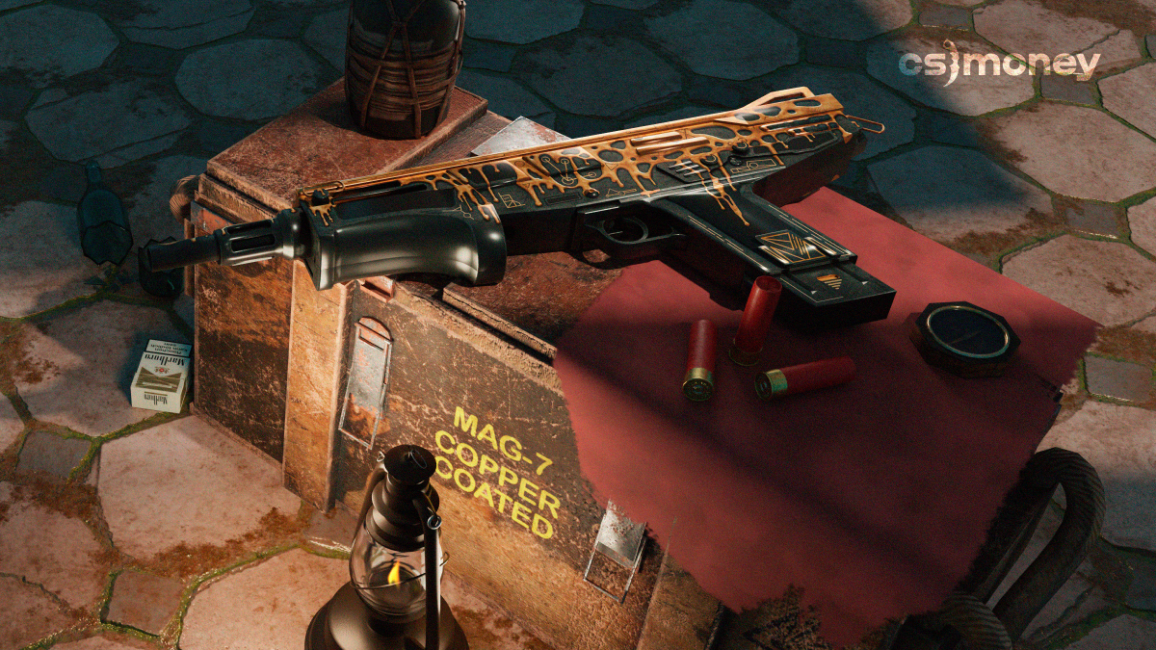
Skin prices are always changing. But sometimes they change very sharply. Here are the most common reasons:
- CS2 updates. When Valve releases new cases or changes the balance, demand for skins changes too, which affects prices.
- Influence of streamers and pro players. Big names can make certain skins popular. For example, at his peak, Oleksandr “s1mple” Kostyliev could boost the value of knives just by using them in tournaments.
- Case rotation. If a case gets moved to rare drop status, players open it less often. That reduces supply, and prices usually rise.
- Holidays and events. During sales or depending on the season, prices change. For example, in summer, skin prices often drop 5–10%. But today, sales and seasonality matter less than before. So you don’t have to wait for small drops — you can just buy the skins you like right away.
Which skins are most likely to grow in price over time?
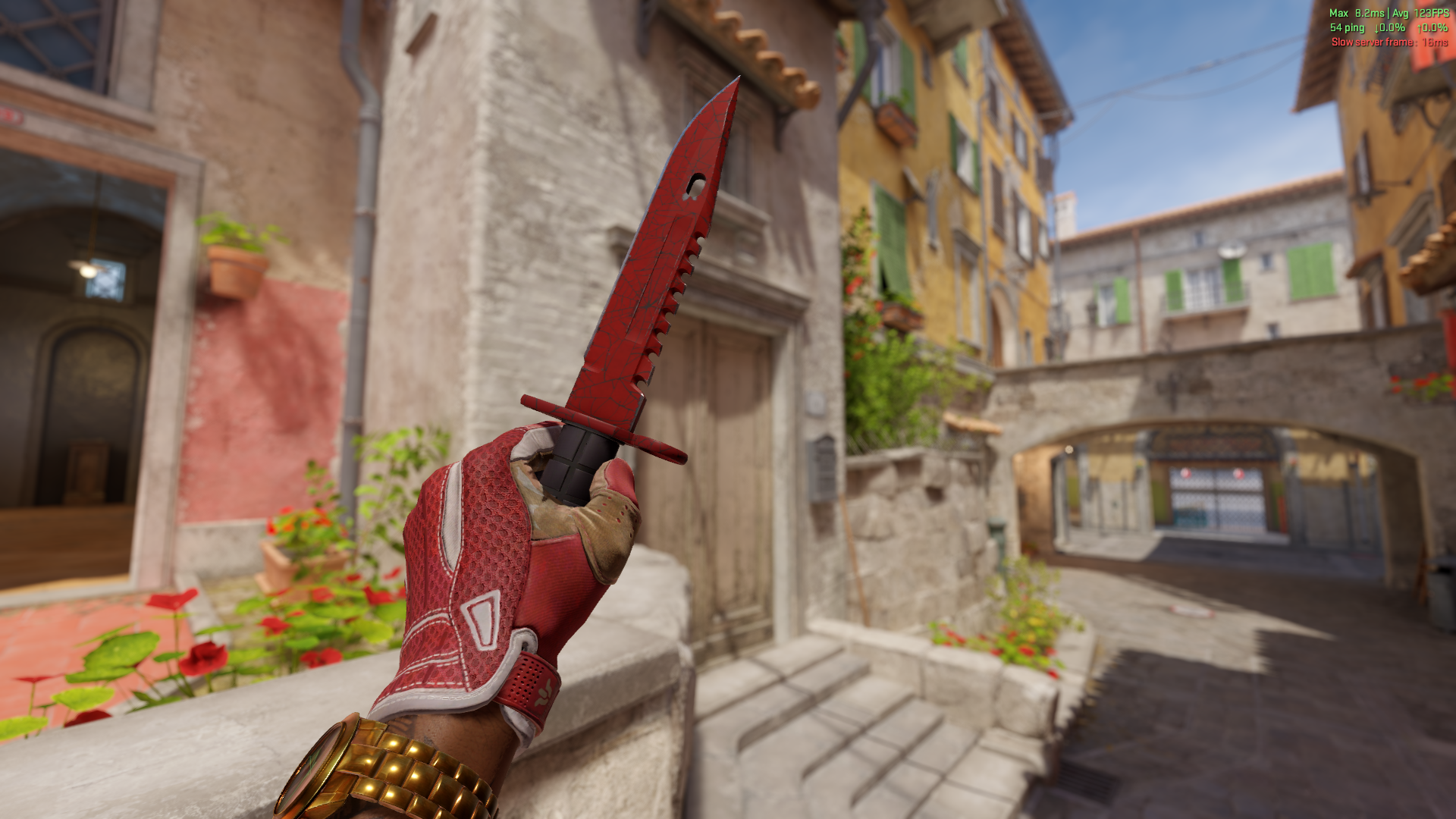
There’s no exact answer. But skins with shrinking supply usually go up in value. This is easiest to see with old collections. Even not-so-rare skins from The Cobblestone Collection cost dozens of dollars. That’s because people keep using them in trade-up contracts, which destroys skins that exist in limited numbers. As a result, in ten years, most Cobblestone skins went up in price by several times.
Tracking CS2 skin prices isn’t hard. Marketplaces already collect all the info, and it’s free and easy to access. That’s why before every purchase or sale, it’s smart to check the price — this way both buyers and sellers can make the best possible deal.