Counter-Strike 2 isn’t a demanding game when it comes to gear. You can run it on almost any PC or laptop, even with non-gaming devices. But it’s definitely more fun to play with a comfy mouse, decent headphones, and a good keyboard. Today, the CS.MONEY Blog will help you figure out how to pick a gaming keyboard for CS2.
If you want to get the most out of the game, check out your inventory too. You can buy a cool skin for a low price on our website!

Why do you need a good keyboard for CS2?
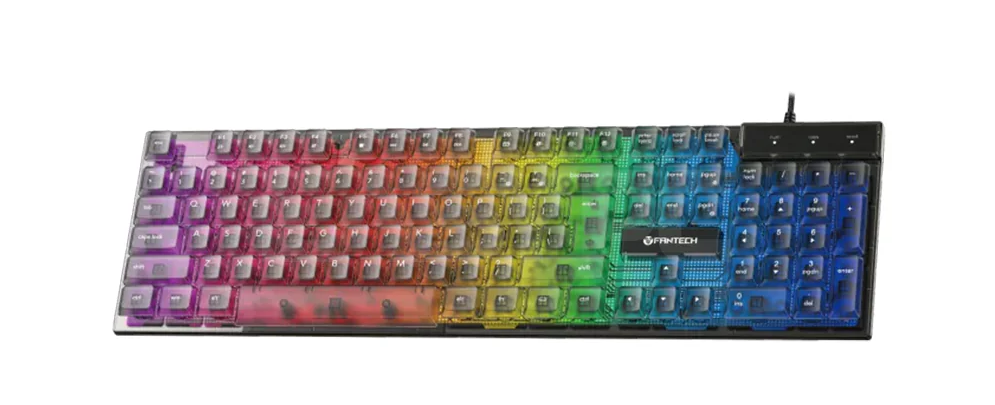
When we talk about gaming gear, the keyboard isn’t the most important device to upgrade first. A mouse and headphones come before that. But a nice keyboard is still a solid bonus—even though, yeah, you can still frag with a regular office keyboard.
Back in the day, there was a clear split between membrane and mechanical keyboards. Now there are some in-between options (like plunger ones) and optical switches too, but we’re not going deep into that.
What to look for when buying a keyboard?
The most important thing is how it feels to you. We could go on and on about different switches, but nothing beats your own experience. Ideally, find a store where you can try the keyboard out. Just type something and trust your fingers.
Second—features. No, since Valve banned stuff like Snap Tap, no special feature will give you a huge edge in CS2. But still, maybe you want media keys, or love custom lighting. Remember, you won’t just use this keyboard for CS2, so those small extras can matter.
Third—size. A full-size keyboard has 104 keys and is the most common. But there are smaller versions. For example, 87-key boards don’t have the number pad (NumPad). Even smaller ones—67 keys—skip the arrows, scroll buttons, Print Screen, and more.
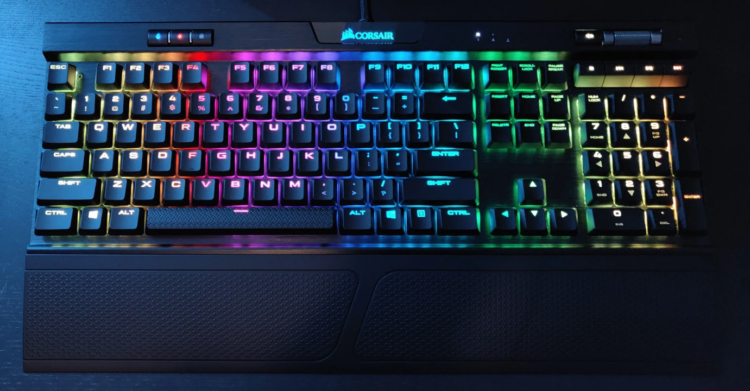
Compact keyboards save desk space. But full-size ones let you bind more keys, like for buying weapons or grenades. Some keyboards also come with a wrist rest, which helps your hands not get tired. A wrist rest is nice—if you’ve got room for it.
Should you care about keyboard quality?
Unless you’re spending over $200, most mainstream factory-made keyboards are kind of a gamble. Even big brands sometimes have quality issues. You can’t really avoid that in advance.
Now let’s break down keyboard types and what to expect from them.
Membrane keyboards
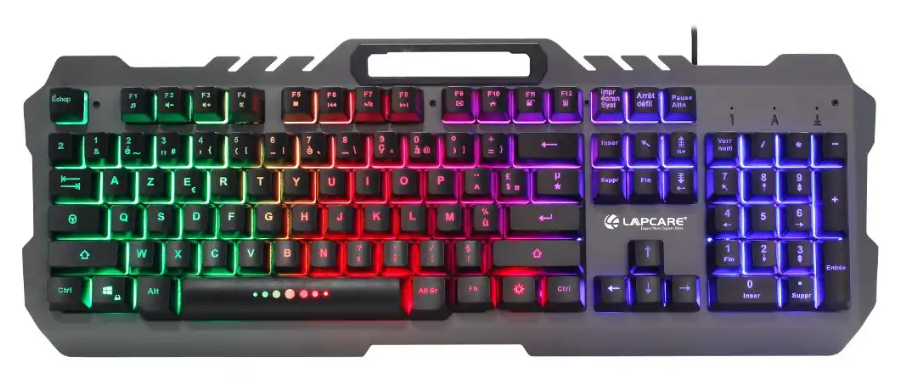
Мембранные клавиатуры — более бюджетный вариант. Обычно мембранные клавиатуры These are the budget-friendly ones. New players often start with membrane keyboards. Prices are around $10–25. Brands to check out: Defender, A4Tech Bloody, Redragon.
Membrane keyboard pros:
- Cheap
- Quiet keystrokes
- Not a big deal if it breaks
Membrane keyboard cons:
- Low durability
- Weak feedback
- Even small issues usually mean replacing the whole keyboard
For starters, membrane keyboards are a good option. You can try out different sizes, see if you want extra keys, lighting, or other features. You’ll also figure out if you like low-profile or high-profile keys. Once you know what works for you, then you can start thinking about switching to a mechanical one.
Mechanical keyboards
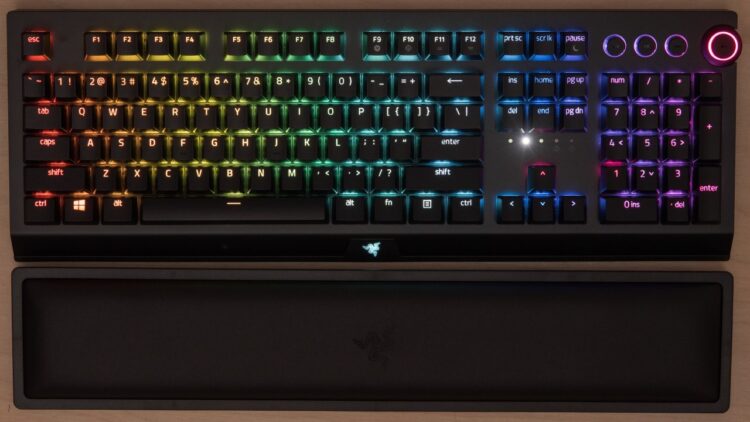
Prices start at about $40 and can go up to $200 or more. Why the big difference?
The main difference is how the keys work. There are lots of types and switch designs, but again—it’s best to try them out yourself.
Mechanical (and optical) keyboards have a more advanced build, which gives them a few key advantages. One is that each key works on its own, so they’re easier to fix. If the keyboard has Hot Swap tech (you can change a single switch), that’s a big win.
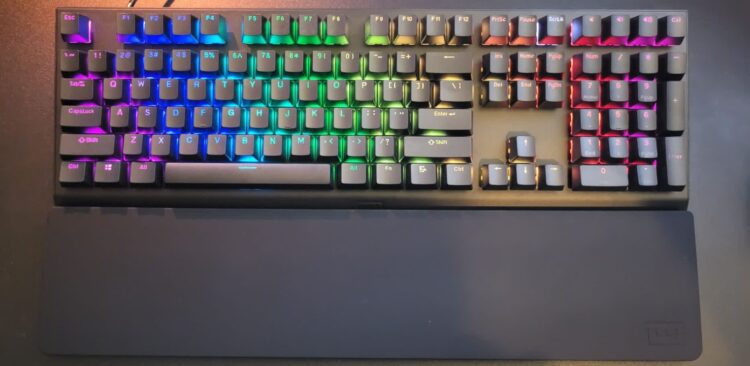
Why do people love mechanical keyboards?
- Keys are super easy to press—just a light touch is enough
- Keys spring back quickly, which helps with fast presses and typing
- They last way longer
The only downside is the noise. If you live with others, someone will eventually ask you to stop smashing your keyboard. It can also annoy friends in Discord. Still, good mic settings can help reduce the sound.
All pro players and serious gamers use mechanical keyboards. Popular brands now are Razer, Wooting, and Logitech. We covered specific models in another article.
How important is a good keyboard for CS2?
Out of all devices, the keyboard has the smallest impact on gameplay. But that doesn’t mean you should ignore it. You probably spend a lot of time at your PC—not just gaming, but chatting too. It’s better to do all that with a good keyboard. Trust us—your fingers will thank you.